The digital marketing world is constantly changing. New tools, platforms, and strategies seem to appear every year. As Sharon Thony explains in The Marketing Campaign Playbook, businesses need to adapt to these changes in order to stay competitive. This is especially true as artificial intelligence, chatbots, and automation tools become more common in marketing and communication.
As technology evolves, privacy policies must evolve as well. Companies need to be transparent about how they collect and use consumer data, especially when that data may be used to train AI systems. If users do not understand how their information is being tracked or used, it can damage trust in the platform.
LinkedIn is one of the most widely used professional networking platforms in the world. Its mission is to connect the world’s professionals and help them become more productive and successful. While the platform offers valuable networking and career opportunities, it also collects a large amount of personal and behavioral data from users. By taking a closer look at LinkedIn’s Privacy Policy, we can better understand what information the platform collects, how it is used, what privacy concerns have emerged, and how the company could improve its approach to protecting user data.
What Data Does LinkedIn Collect?

Like most social media platforms, LinkedIn collects a wide range of information from its users. Some of this data is provided directly by users, while other information is collected automatically as people interact with the platform.
The first type of data is the information users provide when creating an account. When someone signs up for LinkedIn, they must provide basic personal information such as their name, email address or phone number, general location, and a password. This information is required in order to create an account, which means users do not have the option to avoid sharing it if they want to use the platform.
After creating an account, users are encouraged to build their LinkedIn profile. Profiles typically include professional information such as education, work experience, skills, certifications, and a profile photo. Users can also add endorsements, volunteer experience, and other professional accomplishments. While adding this information is technically optional, LinkedIn often emphasizes that a more complete profile will lead to better networking opportunities and job recommendations. In many ways, the platform is designed to reward users who share more information about themselves.
LinkedIn also collects data when users post or upload content to the platform. This can include posts, comments, messages, resumes, job applications, survey responses, and other forms of interaction. Any content shared through LinkedIn’s services becomes part of the data that the company collects and stores.
In addition to information that users provide themselves, LinkedIn may collect data about users from other people. For example, if someone uploads their contacts or syncs their calendar, LinkedIn may receive information about individuals who are not even active users on the platform. Employers, recruiters, and partner organizations may also provide data when they use LinkedIn tools for hiring or networking purposes.
Another important category of data is behavioral information. LinkedIn tracks how users interact with the platform by logging actions such as viewing profiles, clicking on content, performing searches, or applying for jobs. The company also collects technical information about devices, including IP addresses, browser types, device identifiers, and operating systems.
Finally, LinkedIn uses cookies and other tracking technologies to gather information about user behavior across websites and devices. These tools help the platform recognize users when they return to LinkedIn and allow the company to track interactions with ads or LinkedIn features on other websites.
How LinkedIn Uses User Data
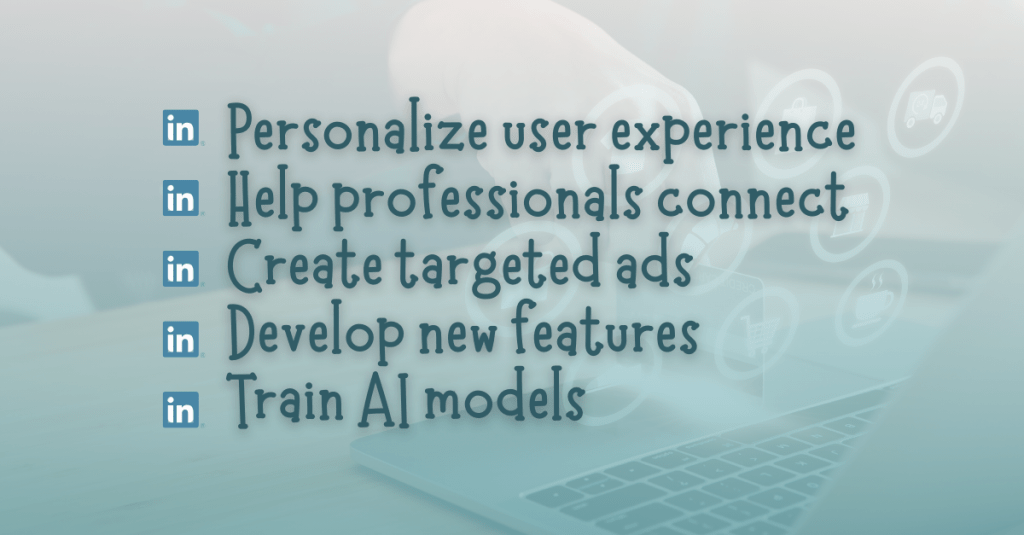
When LinkedIn collects this data, it uses the information for several different purposes. The main goal is to personalize the user experience and improve the platform’s services.
One of LinkedIn’s core functions is helping professionals connect with each other. Data from profiles and activity helps LinkedIn suggest new connections, recommend people to follow, and identify potential job opportunities. The platform also uses data to recommend skills, courses, and content that may be relevant to a user’s career interests.
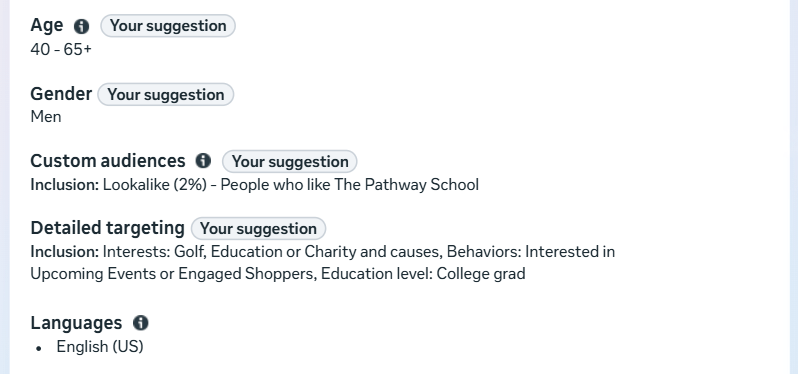
Another major use of data is advertising. LinkedIn serves targeted ads to users based on information from their profiles, activity on the platform, and interactions with content. The company may also make inferences about users, such as estimating their industry, career level, interests, or professional goals. These insights help advertisers reach specific audiences with marketing campaigns.
LinkedIn also uses user data to develop new products and features. For example, data may be analyzed to improve search tools, recommendation systems, and communication features. The company may also use aggregated data to publish insights about workforce trends, job markets, and professional skills.
More recently, LinkedIn has stated that user data may also be used to develop and train artificial intelligence models. This includes improving generative AI tools that appear in features like job searches, content suggestions, or writing assistance tools. While LinkedIn explains that these technologies are designed to make the platform more useful, the use of personal data for AI training has raised important questions about transparency and consent.
Privacy Concerns and Controversies
LinkedIn has faced several privacy concerns over the years. In a Help Net Security article, Sinisa Markovic identifies one of the most recent controversies involved the company’s decision to use member data by default to improve its generative AI models.
Beginning in late 2025, LinkedIn updated its user agreement and privacy policy to state that member data could be used to train AI systems. Under the new policy, users must manually opt out if they do not want their information used for this purpose. This raised concerns with privacy advocates who believe that companies should require users to opt in before using their data for AI training.
The types of data that may be used for AI development are extensive. In “LinkedIn expands AI training to include user data starting November 3,” Luis Rijo states that this data includes profile information, posts, comments, articles, poll responses, and even the prompts or questions users type into AI-powered tools on the platform. While LinkedIn has provided explanations and frequently asked questions about these changes, many users still worry that they may not fully understand how their data is being used.
LinkedIn has also faced regulatory scrutiny related to advertising practices. In 2024, the company received a major fine from Ireland’s Data Protection Commission. Regulators raised concerns about whether LinkedIn had a lawful basis for processing certain types of personal data used for targeted advertising. The investigation focused on whether LinkedIn’s data practices were transparent and fair under European privacy laws.
Although LinkedIn stated that it believed it was complying with the law, the fine highlighted the growing pressure on technology companies to be clearer about how they collect and use personal information.
Transparency and Consumer Protections

Despite these concerns, LinkedIn does provide several privacy protections for users. The company states that it follows major privacy regulations such as the General Data Protection Regulation (GDPR) in Europe and the California Consumer Privacy Act (CCPA) in the United States.
The GDPR, or General Data Protection Regulation, is one of the most important privacy laws affecting social media platforms today. As Brent Barnhart explains in Sprout Social’s article “GDPR and Social Media: What Marketers Need to Know,” the GDPR is a data protection law created by the European Union that is designed to give users greater control over their personal data. Under this regulation, businesses cannot collect or process personal data without a lawful reason. In many cases, users must clearly agree to how their information will be used before companies can use it for advertising or marketing purposes. Regulations like the GDPR have pushed social media platforms to be more transparent about how they track user behavior and how personal data is used across marketing systems.
Under these laws, users have several important rights related to their personal data. For example, users can request a copy of the information that LinkedIn has collected about them. They can also ask the company to correct inaccurate information or delete certain data from its systems.
Users also have the ability to adjust privacy settings that control how their data is used. LinkedIn allows members to manage advertising preferences, limit certain types of data sharing, and adjust the visibility of profile information and posts.
For users in California, LinkedIn also provides options to opt out of the sharing of personal information with third parties for advertising purposes. Users can request information about how their data has been collected and used over the past year, and they can request that certain personal data be deleted.
While these protections exist, they are often spread across different settings pages, which can make them difficult for users to navigate. As a result, many people may not fully understand what choices they actually have.
Recommendations for Better Privacy Practices
As LinkedIn continues to grow and expand its use of AI, there are several ways the company could improve its privacy practices while still supporting effective marketing.
First, LinkedIn could require users to opt in, rather than opt out, before their data is used to train AI models. This would give users clearer control over how their information is used and would help build trust in the platform.
Second, LinkedIn could simplify its privacy settings. A centralized privacy dashboard that clearly explains how data is collected and used would make it easier for users to manage their preferences.
Third, the company could provide clearer explanations about how data is shared with partners and advertisers. Transparency is one of the most important elements of responsible data use.
Finally, LinkedIn could continue investing in privacy-focused marketing strategies that rely less on broad behavioral tracking and more on contextual information and user consent.
Final Thoughts
LinkedIn provides valuable tools for networking, career development, and professional communication. Its Privacy Policy reveals just how much information the platform collects from its users. From profile details to browsing behavior and AI interactions, LinkedIn gathers a wide range of data in order to power its services and advertising systems.
While the company offers several privacy controls and complies with major privacy regulations, recent controversies around AI data usage and advertising practices show that transparency still needs improvement. As digital marketing technologies continue to evolve, platforms like LinkedIn must ensure users understand how their data is collected and used.
Privacy policies play an important role in protecting users in the digital world. By staying informed and aware of these policies, users can make better decisions about how they share their information online.






















 Christian Schaaf's Blog + Portfolio