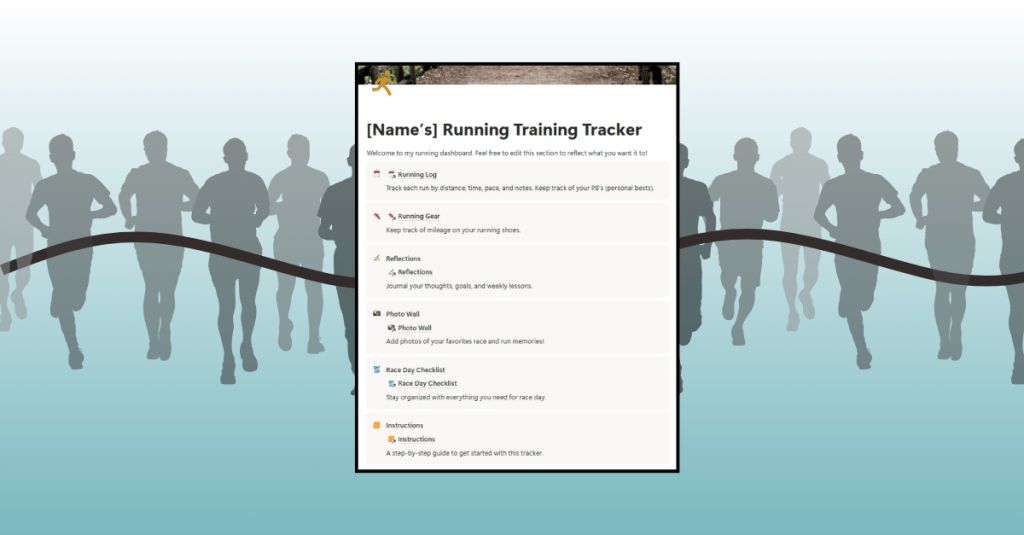
Are you working on building a digital product? Are you in the middle of your journey, sorting through all the weeds, trying to make sure that your product is functioning while also starting to think about your sales page? If you are, you’ve come to the right place.
I’m right there with you. This week, I’ll share my progress on creating my first digital product, a Notion Running Training Tracker, with lessons and tips I’ve learned along the way. If you’re working on your own tracker, template, or creative idea, I hope my experience gives you encouragement and ideas for your build.
Adding New Elements to the Tracker
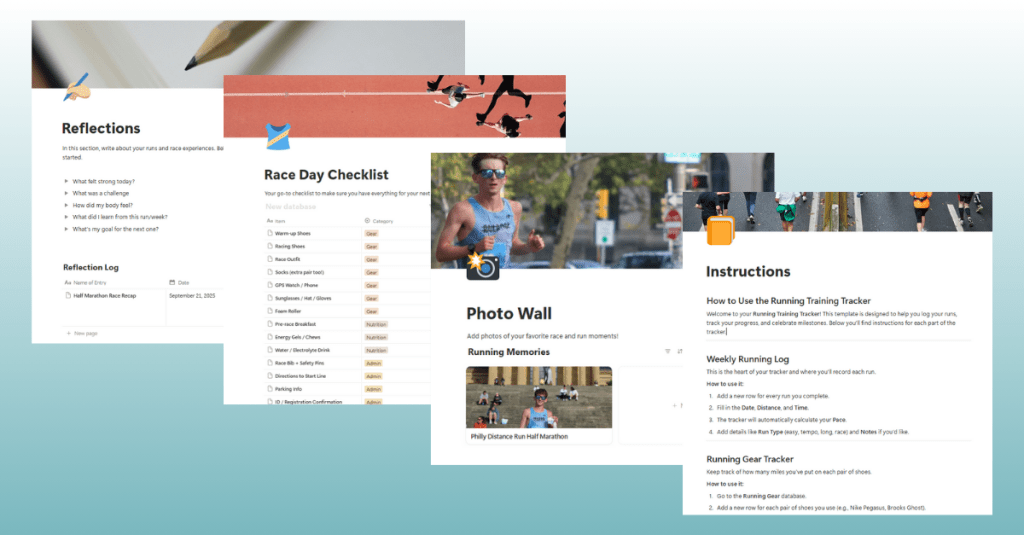
This week was all about building out the major features and making the tracker feel more complete.
One of the biggest updates I made was adding a personal bests (PBs) table to the running log. This way, runners can track their best times for different race distances in the same place where they log their daily runs. Keeping everything together makes the experience smoother and easier to manage.
I also built out pages for Reflections, a Photo Wall, a Race Day Checklist, and a detailed Instructions guide. Each page uses inline tables with properties like Name, Date, and Notes to keep the setup simple and flexible.
The Photo Wall might be my favorite addition. It’s a gallery where users can upload pictures from their races or favorite runs, turning the tracker into a digital scrapbook. The Race Day Checklist is another unique piece that I haven’t seen in other trackers. It’s a practical way for runners to reduce stress before races by checking off their essentials.
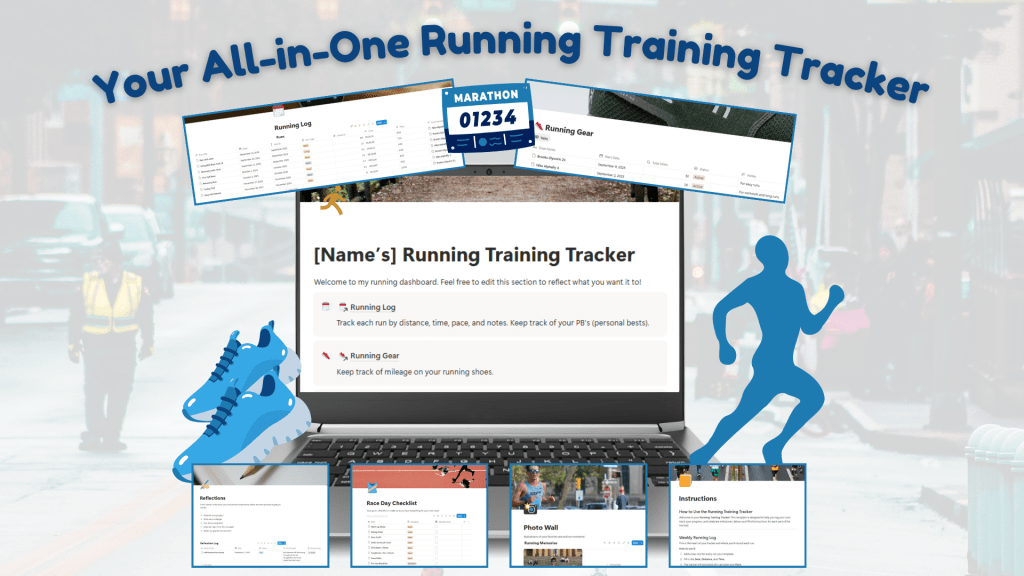
After I built new features in the Running Training Tracker, I created Canva mockups of the product and wrote information and instructions for the sales page. Completing these tasks now makes sure that I am ready to go when I finalize the product next week.
Hitting Snags and Finding Solutions
Of course, it hasn’t all been smooth sailing. Building in Notion has been a constant process of trial and error.
There were times when I read through Notion’s Help articles, felt ready to try something, and then clicked the wrong button or set up a feature incorrectly. Sometimes I had to start over because I wasn’t sure how to undo my mistake. While this was frustrating at first, it’s also what helped me learn.
Notion is one of those platforms where experimenting is the best way to grow. Each misstep taught me something new. Using resources like Notion’s help article on galleries and their guide to inline tables gave me confidence to keep pushing forward.
Learning From User Testing
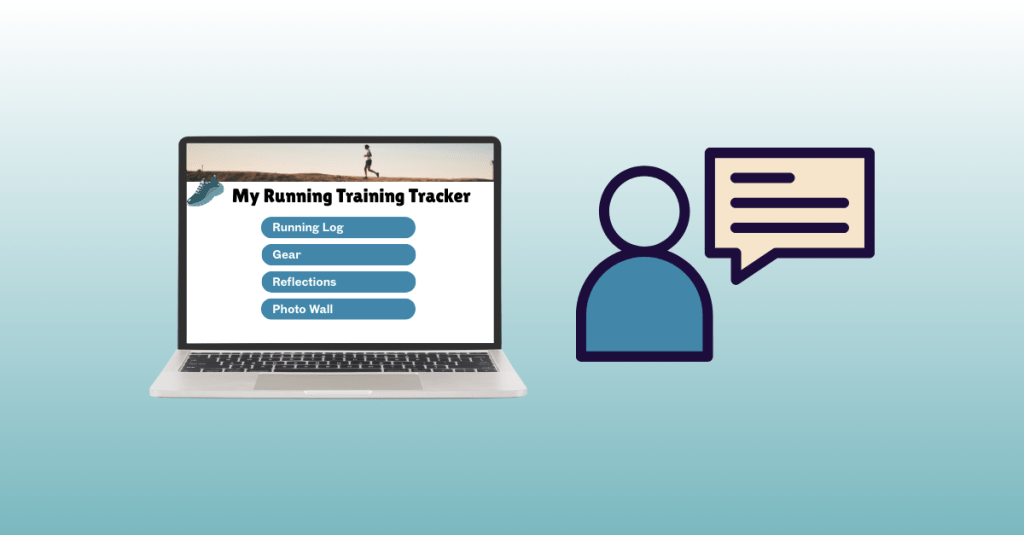
This week I also ran my first user test. I asked another runner to try out the tracker, and their feedback was very insightful and helpful.
They loved the Photo Wall, saying it gave the tracker personality and made it feel more personal than other tools they’ve used. They also appreciated the Race Day Checklist, pointing out how easy it is to forget something when you’re rushing around on race morning.
Their main suggestion was to add a Monthly Overview section so they could compare mileage totals from month to month. I thought this was a great idea and plan to add it in the coming week.
Takeaways and Lessons
One of the biggest lessons I learned this week is how important it is to test early and often. First, test your own product to make sure all the links, formulas, and pages work. Then, bring in testers who will approach it with fresh eyes. Even one user test provided valuable insights that will make my tracker stronger.
I also realized how important it is to proofread and polish. Small things like clear labels and clean mockups can make the difference between a product that feels professional and one that feels rushed.
And maybe the most important lesson? Patience. Building a digital product is about trial and error. There were moments in Notion where I felt stuck or frustrated, but stepping away, looking at resources, and trying again always brought me closer to a solution.
Wrapping Up This Week
At this point, I’d say my Running Training Tracker is about 85 percent complete. I’ve got the major features in place and a structure that feels organized and user-friendly. Next week is all about refining. I’ll be adding the Monthly Overview feature, running more user tests, and preparing my sales page with the mockups and instructions I’ve created.
If you’re building your own digital product, my advice is simple:
- Use a project management tool like Trello to stay on track. Click here to view my Trello board.
- Test, refine, and then test again.
- Be kind to yourself through the trial and error process.
Stay tuned as I continue building the Running Training Tracker. The journey continues, and I wish you productivity and creativity as you build your products.
 Christian Schaaf's Blog + Portfolio