You’ve got a big idea, the creative juices are flowing, and your passion project is finally taking shape. Now comes the tricky but fun part: getting organized. Whether you’re crafting a social campaign, building a website, or developing a multimedia series, staying organized will make the creative process much smoother.
Let’s be honest: starting something new can be overwhelming. Where do you begin? How do you wrangle all your ideas into something cohesive? What tools actually help?
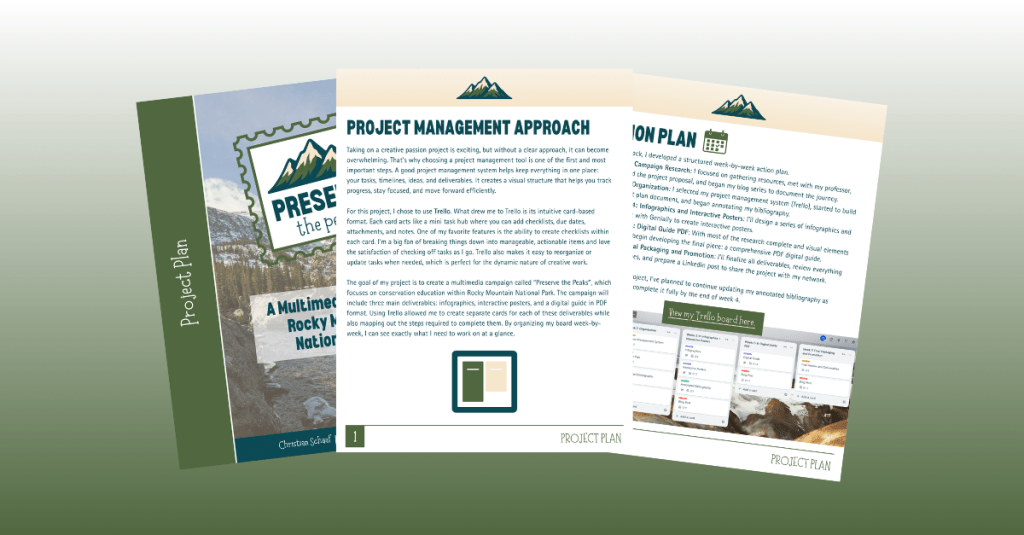
Good news: I’m in the thick of this myself, and I’ve got your back. Here’s your go-to guide for organizing your passion project, featuring real tips from my experience working on “Preserve the Peaks,” a multimedia conservation campaign about Rocky Mountain National Park.
Why Project Management Tools Are Game-Changers
When you’re juggling tasks, ideas, deadlines, and research, using a project management system is a must. It gives you a visual structure for your work, helps you prioritize, and ensures you actually finish what you start.
Some of the most popular tools out there include Trello, Asana, Notion, and Monday.com. Which one should you use? It all depends on your personal preferences and project style. Explore the features of each, and see which fits your organization style best.
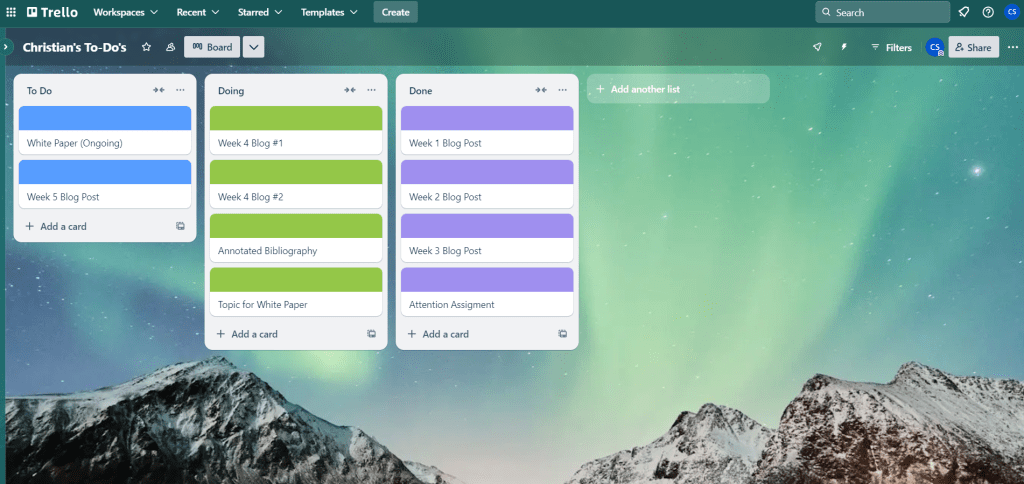
I chose Trello for my campaign. I love the card-based system, which lets me:
- Create task checklists (there’s nothing more satisfying than checking something off)
- Set due dates
- Assign collaborators
- Attach images and resources
- Leave notes and updates
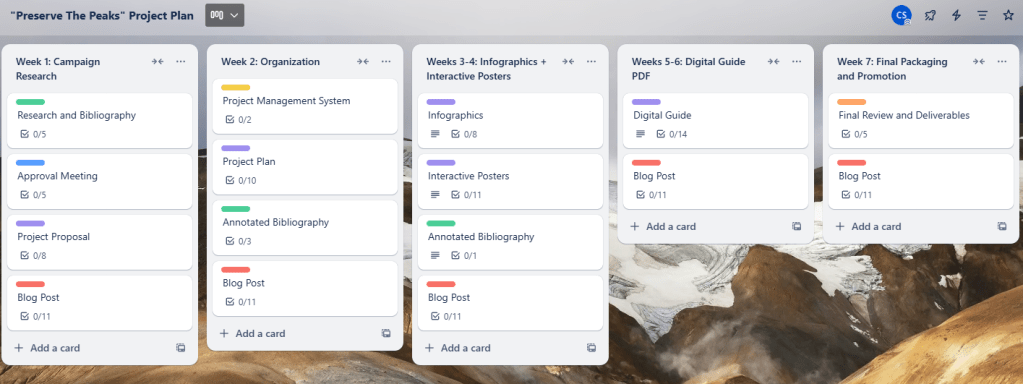
For “Preserve the Peaks,” I divided my Trello board into sections by week and topic. Here’s a glimpse into how I broke it down:
- Week 1: Research
- Week 2: Organization
- Weeks 3–4: Infographics and interactive posters
- Weeks 5–6: Digital guide (PDF)
- Week 7: Final packaging and project promotion
Within each section, I created individual task cards and broke them into bite-sized and actionable to-do lists. The more detailed your checklists, the easier it is to stay on track.
Mastering the Art of Annotated Bibliographies
When your project management system is up and running, it’s time to dig into your research. You’ve probably already gathered sources, which is great! Now comes the part where you actually make sense of them.
Start annotating your bibliography. For each source, write a few short paragraphs answering:
- What is the source about?
- Why is it important to your project?
- How will you use the information?
This make your research easier to reference later and also gives you a clearer picture of the themes and takeaways you want to emphasize.
Some of the resources I used include:
- Climate Change Vulnerability and Adaptation in the Northern Rockies
- Wilderness Act in RMNP
- Trail Impact Monitoring Study
There are plenty of great resources out there on how to write an annotated bibliography if you want a template or tips!
Creating a Project Plan That Works for You
You’ve got your management tool. Your research is being annotated. Now it’s time to bring it all together in a clean, strategic project plan.
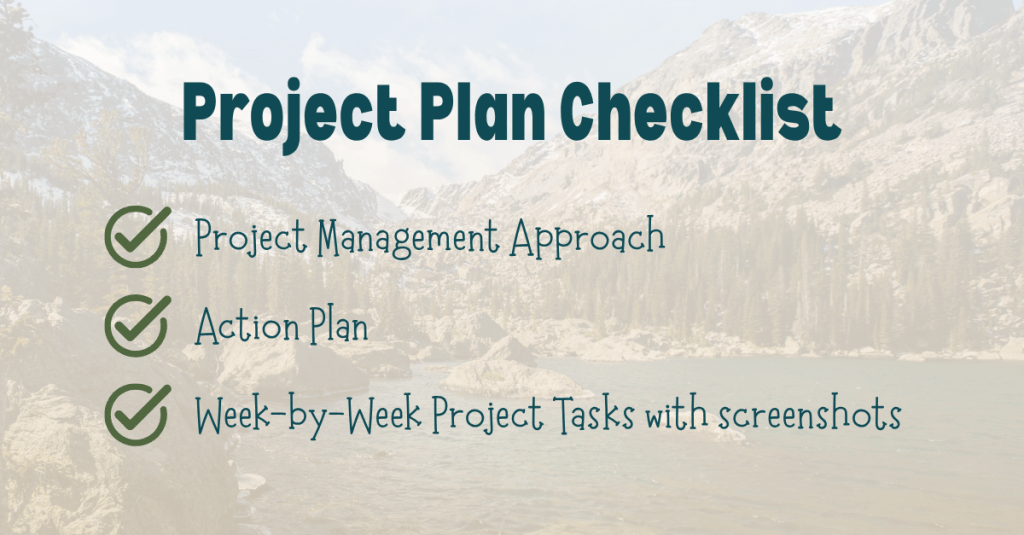
Here’s what I included in my project plan:
- Project Management Approach: A quick overview of what platform I’m using (Trello) and how I’ve structured my boards and cards.
- Week-by-Week Action Plan: Each week has a clear focus with tasks tied to it, making progress feel achievable and steady.
- Visuals & Screenshots: Including screenshots of my Trello board helped make the plan more dynamic and transparent.
Design your plan to match the tone of your campaign. Mine features the earthy, natural tones of the Rockies and a clean layout that’s easy to navigate. Treat it like an extension of your brand, and it will set the tone for the rest of your work.
Let’s Get Creating
Organization might not sound glamorous, but it’s the secret sauce to making your ideas a reality. By using tools that work for you, breaking tasks down into actionable items, and making sense of your research, you’re setting yourself up for success.
I’ll be diving into infographic design next week. Stay tuned as I bring “Preserve the Peaks” to life!

 Christian Schaaf's Blog + Portfolio