Tag: premiere-pro

  • Polishing in Premiere: Bringing My Mini-Documentary to Life

    Polishing in Premiere: Bringing My Mini-Documentary to Life

    Have you ever created a mini-documentary? The first step is planning. When you take pre-production seriously, everything gets easier later. You know what b-roll you want, your lighting is set up, and your subject feels ready to be interviewed. If you gather everything before filming, you’re going to be golden.

    And when you finally hit record, always film more than you think you need. It’s better to have extra clips you don’t use than to realize you’re missing something important.

    This week, after finishing pre-production and filming last week, I’m moving into post-production for my mini-documentary about my coach’s running journey with runner’s dystonia. Now it’s time to learn new editing techniques, tighten the story, and polish the video into a more professional piece. Let’s dive in.

    Reading + Writing

    Before reading The Bare Bones Camera Course for Film and Video by Tom Schroeppel, my video editing skills were pretty basic. I knew how to use simple tools in Premiere Pro, like the razor tool, but I did not fully understand audio transitions, video transitions, or how to create higher-quality video and sound. Going into this project, I wanted to improve the overall quality of my videos, and this book helped me do exactly that.

    Schroeppel starts with the basics, including how to properly use a camera and create visually pleasing compositions for both photos and video. This was an important foundation for me because it helped me think more intentionally about how I frame shots and what will look best to an audience. Learning these basics made me feel more confident behind the camera and more prepared when filming.

    One of the most helpful sections focused on audio. I learned how background music, sound effects, and ambient audio can greatly enhance a video when used correctly. Before this, I did not realize how much sound plays a role in storytelling. These techniques helped me understand how to create a more immersive and professional-feeling video experience.

    I also really enjoyed learning about lighting, especially three-point lighting. Before reading this book, I did not understand the importance of backlighting, especially when interviewing someone. Now I know how crucial it is to create an evenly lit environment that makes the subject stand out from the background. Good lighting, along with clear audio and strong composition, were the most important skills I gained from this reading.

    The area I struggled with the most was linear perspective and making sure not to cross the 180-degree line. This concept was challenging at first, but it helped me learn how to capture different angles that work together rather than clash. It pushed me to think more carefully about camera placement and movement.

    Overall, this book gave me a complete overview of how to shoot a strong video sequence and how to plan a project for success. The skills I learned will be incredibly useful for professional and promotional videos at work, personal projects, and even everyday photography and video. Moving forward, I want to continue learning more about lighting and experiment with using multiple cameras in future projects.

    Research to Inform

    1.) “Run, Forrest, Run” Movie Clip – Forrest Gump
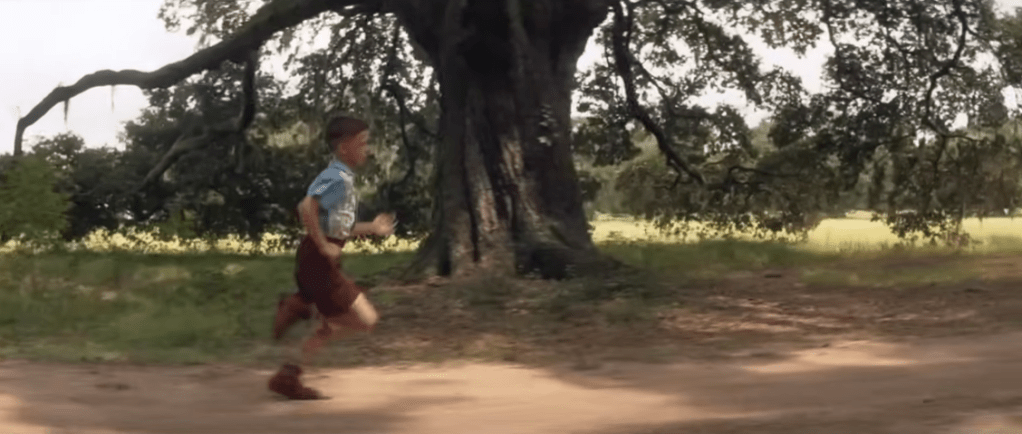
    This scene is a strong example of a J-cut. Around the 1:19–1:20 mark, we begin to hear Forrest’s voice as he talks about breaking out of his leg braces. At the same time, the visuals transition into a flashback from his childhood. Because Forrest’s voiceover begins before the visual fully shifts away from the bench scene, this moment is as a J-cut, where the audio from the next moment starts before the image changes.

    This editing choice works especially well because this is a major breakthrough moment for Forrest. Hearing his voice while watching the flashback helps show how deeply connected he is to this memory. It feels like he is reliving the moment rather than simply telling a story. Using this same technique in my mini-documentary would make sense, such as showing b-roll of my coach running on the track while her voice plays in the background, and then cutting back to the interview. This approach would help show how connected she is to her own story and experiences.

    2.) Harry Potter and the Sorcerer’s Stone – Hagrid Explains Harry’s Past
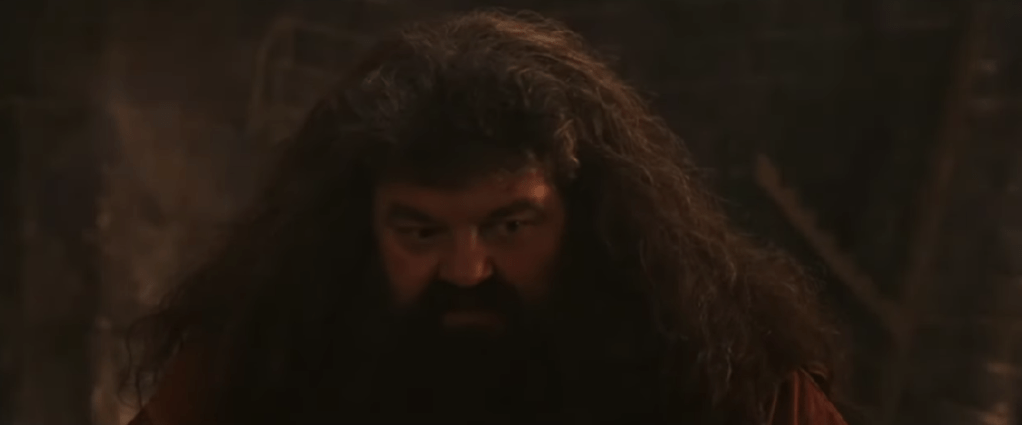
    This scene has an example of an L-cut, where the audio from one scene continues even after the visuals change. At the beginning of the clip, Hagrid is shown speaking to Harry. As the scene transitions into flashback clips from Harry’s childhood, Hagrid’s voice continues in the background. Because the audio carries over while the visuals shift, this moment qualifies as an L-cut.

    This editing technique helps ease the audience into the flashback. Instead of feeling like a sudden cutaway, the flashback feels more like a spoken memory being brought to life. Using this same approach in my mini-documentary would be effective when transitioning between interview footage and b-roll. Letting the interview audio continue over b-roll would help create smoother transitions and make the story feel more natural and connected.

    Create

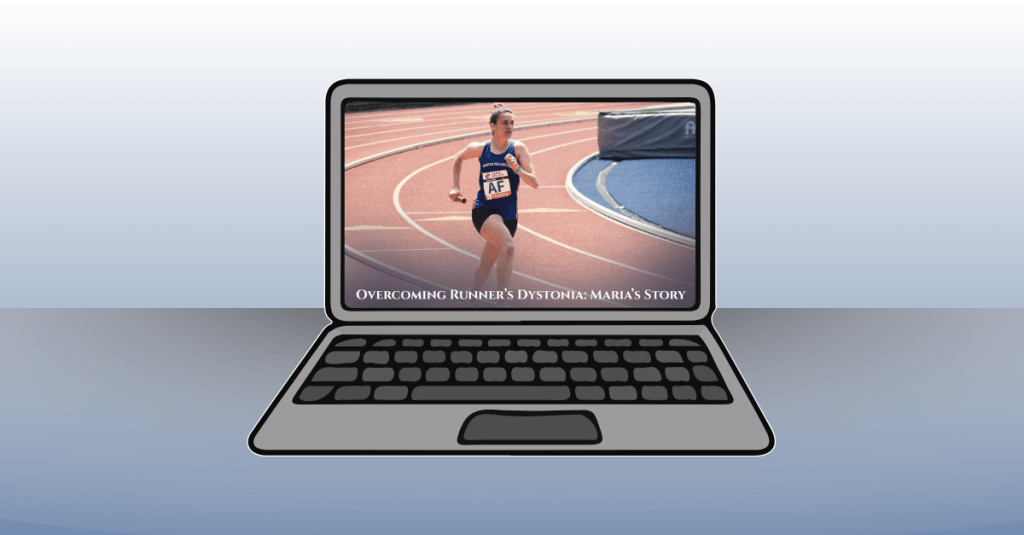
    Runner’s Dystonia: Maria’s Story of Resilience

    This mini-documentary tells the story of my high school running coach, Maria, and her journey with runner’s dystonia. The video follows her experience from running for over twenty years, through her diagnosis, and into her return to the sport she loves. My goal for this piece was to create a story that felt cinematic, honest, and hopeful, while allowing Maria’s voice to remain at the center of the narrative.

    I really enjoyed the process of creating this video from start to finish. From carefully planning the project, interviewing my coach, and filming b-roll at the track, to editing everything together, each step helped strengthen my skills. During editing, I focused on making the visuals feel warm and inspiring. I applied subtle filters to the track footage to give it the look of being filmed at sunrise, which helped reinforce the hopeful tone of the story.

    Music played a big role in setting the mood. I used a background track from bensound.com titled “Birth of a Hero,” which added to the cinematic feeling I was aiming for. To help the story flow smoothly, I used both J-cuts and L-cuts when transitioning between interview footage and b-roll. These techniques allowed Maria’s story to feel connected and uninterrupted, while also giving the visuals room to breathe.

    I let Maria tell her story in full and used my own narration to introduce the film, connect different parts of her journey, and bring the piece to a meaningful close. I also used lower-third graphics during the interview clips, adding small animations to make them feel polished and professional. In a few clips, I applied a Gaussian blur effect to remove minor visual distractions, and I slowed down certain shots to enhance the cinematic feel.

    Overall, this project helped me grow significantly in Premiere Pro and in my approach to visual storytelling. More importantly, I hope the story itself resonates with viewers. My goal was to create a piece where storytelling comes first, and where people facing runner’s dystonia, or any kind of setback or obstacle, can feel seen, encouraged, and inspired. It was a joy to bring this video to life.
  • Behind the Lens: Inside the Making of My Video Montage

    Behind the Lens: Inside the Making of My Video Montage

    After all the planning, scripting, and storyboarding from last week, it was finally time to bring my video montage to life. This week’s focus was on production and post-production, filming the shots I planned at Valley Forge National Park and then editing them together into a cohesive story. From setting up my camera and capturing the perfect lighting to layering narration, sound effects, and background music, this stage brought all the preparation together. Every detail, from the angle of a shot to the rhythm of the edit, played a role in shaping how the story feels on screen. Let’s walk through the steps I took to capture, edit, and finalize my video montage this week.

    Reading and Writing

    This week, I read Chapter 10: After the Shoot – Editing from Tom Schroeppel’s The Bare Bones Camera Course for Film and Video. This chapter explained what happens when filming is done and how important it is to stay organized and intentional when editing a project. Schroeppel starts by reminding readers that our eyes naturally see the world with a view of about 25 degrees wide, which means editing needs to help guide the viewer’s attention in a clear and meaningful way. One of his first suggestions is to read the script before editing, so you understand how you want your audience to react to your video. Knowing the emotion or message you want to communicate makes it easier to choose which clips to use and how to arrange them.

    Schroeppel also emphasizes the importance of logging all material with as much detail as possible. This can be done in the field or right before editing. Using consistent keywords, labeling shot types (like MS for medium shot or CU for close-up), and marking clips as “good” or “NG – no good” helps keep everything organized. This makes the editing process move faster and reduces stress. He also introduces the idea of a paper edit, which is when you cut up pieces of your editing log and arrange them on a table or floor to plan the order of your video. This allows you to rearrange sections easily until the sequence feels right.

    When it comes to actual editing, Schroeppel suggests starting with an establishing shot so viewers know where they are right away. This prevents confusion and lets the audience focus on the message instead of trying to figure out the location. He recommends using basic sequences by cutting back and forth between related shots in the same setting, and making sure each shot is different enough to keep things visually interesting. Pacing is also important: a good editor guides viewers smoothly from shot to shot without distracting them.

    Schroeppel also highlights how powerful sound is in editing. Background music can help set the mood, reinforce the message, and tie the whole piece together. He explains that music should stay truly in the background, not too loud or too bold, so it supports the visuals rather than distracts from them. He also explains the goal of sound mixing: to improve the quality of the original audio and blend voice, music, and sound effects into one clear, effective track. After editing, Schroeppel recommends sharing the video with someone from your target audience or a friend to get feedback. Sometimes fresh eyes help catch things you missed, giving you a chance to make final adjustments.

    Overall, this chapter gave me a much better understanding of how careful planning, thoughtful editing, and strong sound design can bring a video project together. These tips helped me a lot during the production and editing of my video montage this week.

    Research to Inform

    To better understand how different editing choices can shape the mood and message of a video, I watched several examples that use a variety of editing techniques. I looked at videos with fast cuts, slow pacing, creative transitions, and strong sound design to see how each creator used editing to tell their story. Studying these examples helped me learn what kind of editing style I connect with the most and what techniques I want to use in my own video montage. By paying attention to elements like transitions, pacing, sound effects, and background music, I was able to get a clearer idea of how I want my final piece to look and feel.

    1.) “You Can’t Stop Us” – Nike Ad

    In Nike’s “You Can’t Stop Us” commercial, one of the most powerful editing tools is the split screen. The screen is divided so that different athletes and actions appear side by side, and often an action on the left will match perfectly with an action on the right, like a tennis serve transitioning into a basketball shot. This visual design shows that all sports are connected and that athletes everywhere are united as one movement. The background music is uplifting and hopeful, giving the viewer a sense of possibility and encouragement. The shots change every five to six seconds, which is just long enough to see the action clearly but short enough to keep the energy high and moving. Together, the split screen, the rhythm of the cuts, and the inspiring music tell a story of endurance, unity, and hope.

    2.) Student-Led Tour of Harvard University

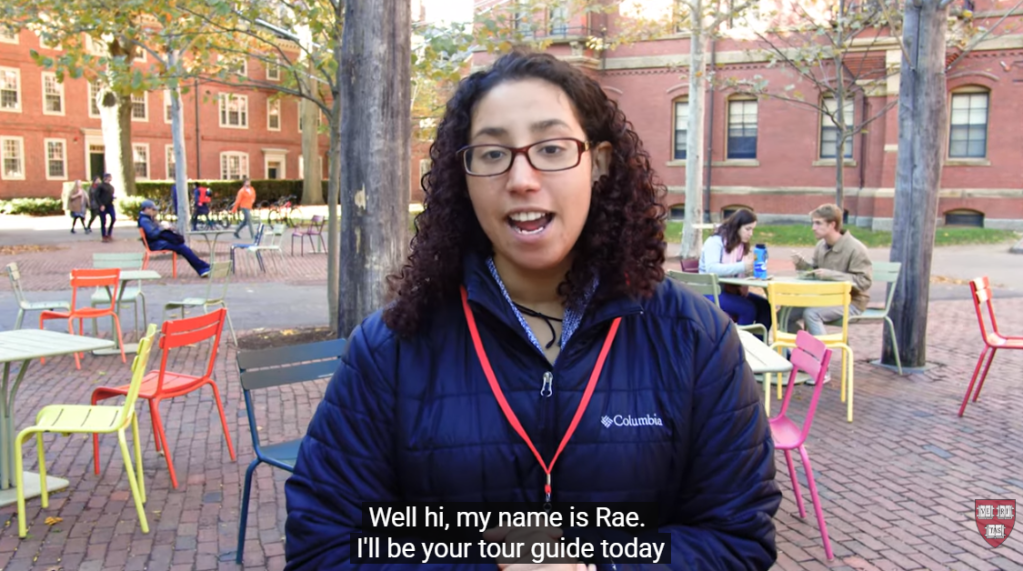
    In this student-led campus tour video of Harvard University, one of the techniques that really stands out is the transition between locations: the videographer speeds up the walking shots between buildings to move smoothly from one place to the next. This creates a natural “bridge” between scenes, so you don’t just jump from one building to another without context. The shots of each building or location are long enough (about 5 seconds) that you can actually look at the architecture and feel the space, and during those longer shots the videographer uses pans and tilts to showcase the size and detail of the buildings. The background music is upbeat and energetic, matching the excited tone of the voice-over, which makes the viewer feel as though they’re walking through the campus themselves. By using these transitions, the creator keeps the viewer engaged and helps them feel like they are on the campus tour.

    3. Paris 2024 Olympics | Official BBC Trailer

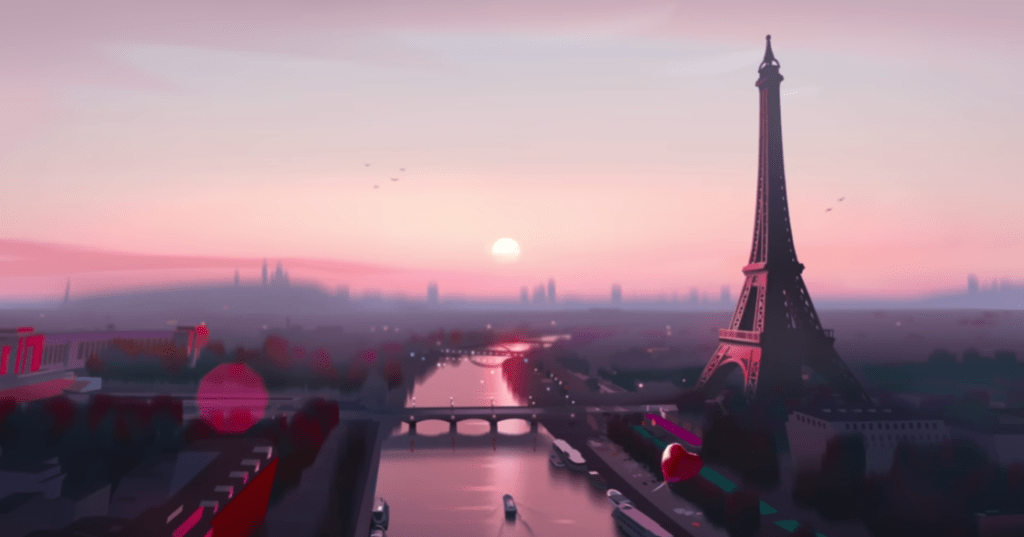
    Another strong example of fast editing is the Paris 2024 Olympics Official BBC Trailer. This video uses quick transitions and fast cuts to capture the excitement and nonstop action of the Olympics. Each scene only stays on the screen for a few seconds before jumping to the next sport, which keeps the viewer’s energy high. The transitions are quick cuts between animated versions of each sport, making the entire trailer feel sharp and rhythmic. The sound design also stands out as each animation has a sound effect that matches the sport, like a splash for swimming, cheering crowds for track and field, and the thud of a gymnast landing. These audio cues help the viewer feel connected to each moment. The video also uses a consistent color palette, which keeps the animations feeling unified and gives the trailer a strong brand identity. The deep, cinematic voiceover adds contrast to the fast visuals and helps the trailer feel like the preview for an epic movie. The mix of fast edits, bold animations, and dramatic narration creates a sense of excitement that reflects the anticipation and global scale of the Olympics.

    Create

    Valley Forge National Park Video Montage

    For my video montage at Valley Forge National Park, my main goal during production was to capture a wide variety of shots and locations. I wanted as much content as possible so I could choose the strongest clips later. I visited the Valley Creek Trail, the Covered Bridge, the National Memorial Arch, the Von Steuben Statue, the Washington Memorial Chapel, and several other areas throughout the park. While filming, I tried to get a mix of establishing shots, wide shots, medium shots, close-ups, and extreme close-ups to help keep the final video visually interesting. During editing, I used tools like Brightness and Contrast to even out the lighting between clips because the weather changed from sunny to cloudy as I filmed. I also used a Gaussian blur to soften small blemishes on the footage and the trim tool to shorten shots and tighten the pacing. I added cross dissolve transitions between each location to show viewers when we were moving from one place to another, and I used straight cuts when switching between different angles of the same landmark to make the scenes feel connected. For audio, I layered in ambient sounds like soft wind, birds chirping, water flowing, and leaves crunching to help set the scene. I also included sound effects such as footsteps on gravel, a cabin creaking, a train passing, and gentle church bells to match each location. My background music is calm and peaceful, and I chose it to help create a warm, welcoming mood. Overall, this project was a lot of fun, and I was happy that I could avoid filming people in the park. Planning my script and shot list ahead of time made filming much easier, and I learned a lot about both audio and video editing while creating a cohesive montage of Valley Forge National Park.

  • From Script to Sound: Bringing My Podcast to Life

    From Script to Sound: Bringing My Podcast to Life

    Last week was all about planning: brainstorming ideas, writing a script, and finding the perfect background music and sound effects to set the mood. This week, it was time to hit record. After completing the pre-production process, I focused on turning my plan into a polished podcast episode. I edited my script several times, learned how to record clear, high-quality audio, and spent time experimenting in Adobe Audition and Premiere Pro to mix my voice, music, and sound effects together. It was a hands-on, creative process that helped me understand how all the pieces come together to tell a story through sound. Let’s dive into the steps I took this week to make it happen.


    Readings & Writings

    To kick off this week’s project, I started by reading “7 Secrets for Getting Pro-Sounding Vocals on Home Recordings” by Filippo Gaetaini. The article focuses on making high-quality vocal recordings with the tools you already have at home. Gaetaini shares practical tips that go beyond just having the right microphone: he emphasizes creating the right environment and mindset for recording.

    One of the first tips is to get in the zone by setting the right ambience and making sure you feel comfortable while recording. Then, he suggests hacking your bedroom by using everyday items like blankets, curtains, or pillows to reduce echo and create a DIY vocal booth. He also explains how important it is to position your mic and pop filter correctly, keeping the microphone’s diaphragm facing your lips for the clearest sound.

    Another key takeaway is to check your mic levels and let your mic warm up before recording. Gaetaini encourages recording several takes because your best performance might not come until the fifth, or even tenth, try. Finally, he reminds readers to be careful with editing and vocal processing. Too much editing can make a track sound unnatural, so it’s best to experiment until you find what feels right. These reminders made me realize that good audio isn’t just about technology; it’s about patience, practice, and finding a natural rhythm in your voice.

    The second article, “Sound Advice: Editing Audio for Video” by Videomaker, explores how sound editing can elevate a video from average to engaging. The piece highlights how A-roll (the main footage) and B-roll (supplementary footage often used with voiceovers) work together to tell a story. The article also explains technical terms like insert edits, where new video is inserted into the main footage, and L-edits, or split edits, where the audio and video transition at different times for a smoother, more natural feel.

    The article provides a clear process for editing audio in video projects: first import and assemble your main clips, then trim and refine your edit. After that, it’s important to listen carefully for choppy transitions, audio glitches, or uneven volume. If something still doesn’t sound quite right, adding background music can help mask small imperfections and enhance the mood. The article also recommends using post-processing techniques like light compression, limiting, and equalization to “sweeten” the final track.

    Both readings helped me better understand how sound design shapes storytelling through voice, background music, and editing choices. They reinforced how much thought and care go into creating professional-sounding audio, even with simple tools.


    Research to Inform

    To better understand how audio can transform a story, I explored several examples that skillfully combine visuals with music, dialogue, and sound effects. Each example offered inspiration for how I could use sound to enhance my own podcast.

    Coldplay’s “Yellow” Music Video

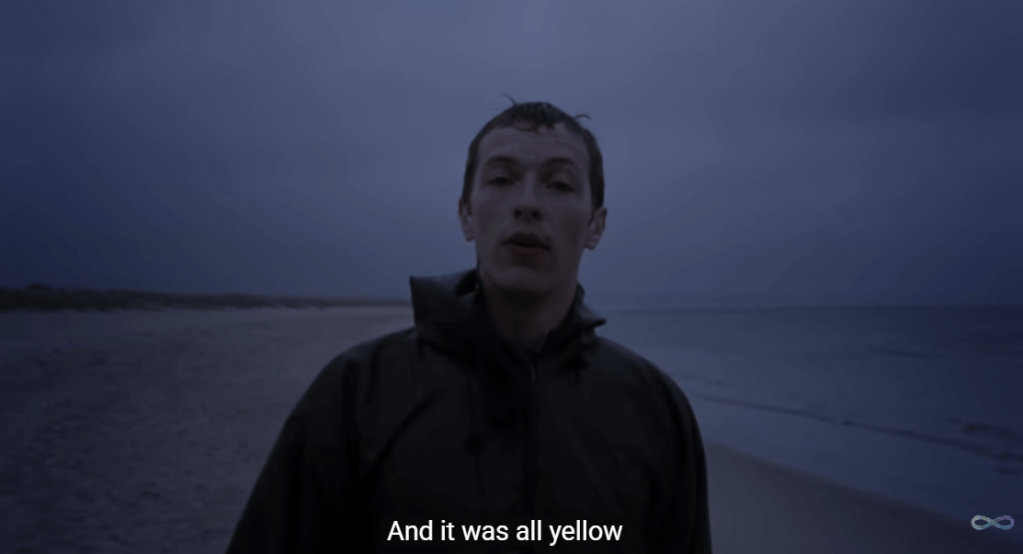
    The music video for “Yellow” by Coldplay is simple but powerful. It shows lead singer Chris Martin walking alone on a beach in one continuous shot. The scene starts in the dark and slowly brightens as the sun rises, matching the song’s calm and emotional tone. Even though there aren’t many special effects or fast cuts, the soft lighting, the waves in the background, and the natural setting all help create a peaceful and reflective mood. The simplicity of the video makes the viewer focus more on the music and the lyrics.

    The song itself builds slowly, starting with a gentle guitar and quiet vocals. As it goes on, more instruments join in, and the sound grows stronger and more hopeful, just like the sky getting brighter in the video, proving how audio and visuals work together hand-in-hand. The line “Look at the stars, look how they shine for you” feels even more meaningful when paired with the real stars and sunrise on screen. The mix keeps Chris Martin’s voice front and center, while the background music and visuals blend perfectly to create a feeling of warmth, emotion, and sincerity.

    “Welcome to UCLA!” Promotional Video

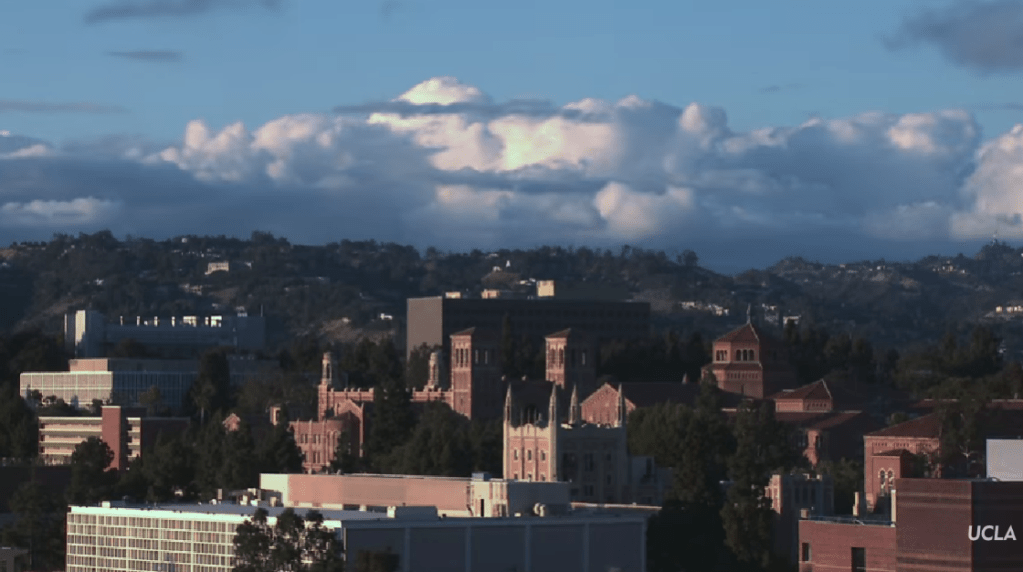
    The “Welcome to UCLA!” video starts with exciting shots of campus life: students walking to class, hanging out with friends, and quick shots of the school and LA. The video also highlights UCLA’s famous buildings and sunny weather, giving viewers a strong sense of what the campus feels like. In the background, upbeat music plays to match the energy of the visuals. The music is modern and happy, helping to build excitement without overpowering the voices or natural sounds. You can hear small touches like footsteps, laughter, and chatter, which make the video feel alive and real. When students or narrators speak, the music becomes softer so the words are clear and easy to hear.

    As the video continues, the pace of both the visuals and the music picks up. The editing becomes faster, showing more scenes of student activities, labs, and campus events. The background music builds with more instruments and a stronger beat, giving the feeling of movement and pride. Subtle sound effects, like swooshes between clips or cheering crowds, add extra energy to the scenes. The video ends on an inspiring note, inviting viewers to imagine themselves as part of UCLA’s community. Together, the music, sounds, and visuals create an emotional story that makes you feel the excitement and spirit of being a UCLA student.

    Opening Scene of Jurassic Park: 1993

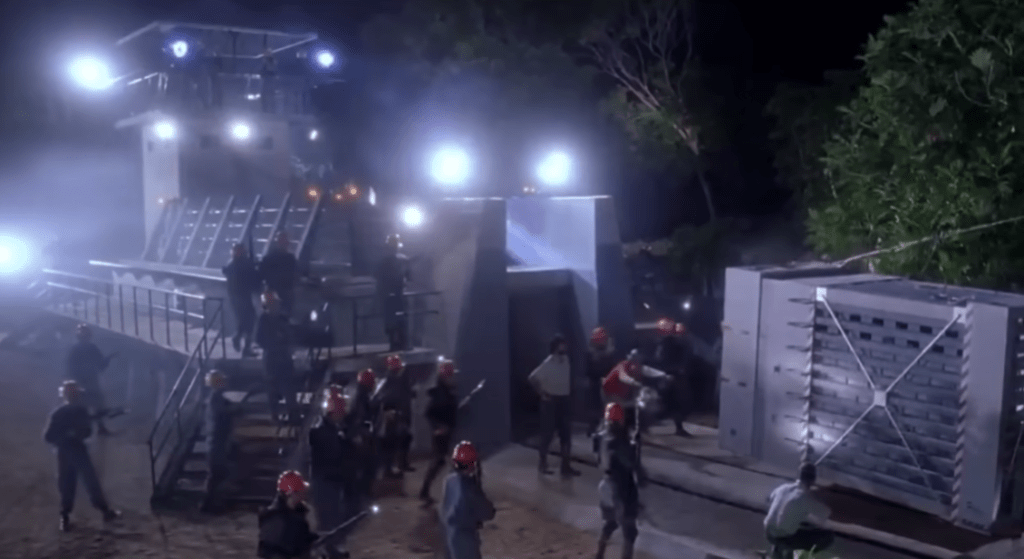
    The opening scene of Jurassic Park is a great example of how sound and visuals can work together to build tension. The scene takes place at night as park workers prepare to move a dangerous dinosaur into its enclosure. The lighting is dark and misty, and we can only see flashes of movement through shadows. The background sounds, including rustling leaves, animal growls, and the sound of metal chains, create an uneasy feeling. You can hear the workers’ voices shouting over the noise, mixed with the heavy breathing of the dinosaur. The sound design makes viewers feel like they are right there, unsure of what might happen next.

    When chaos breaks out, the background music swells dramatically. John Williams’ score rises with deep brass notes and quick percussion, matching the panic on-screen as the dinosaur attacks. The quick camera cuts, bright flashlight beams, and roaring sound effects combine to increase the tension. Even though the dinosaur isn’t shown in full, the powerful mix of sound and visuals makes the scene thrilling and suspenseful. This moment shows how sound can shape the emotion and intensity of the story.

    Through studying these examples, I learned that great sound design isn’t just about filling silence; it’s about shaping emotion, atmosphere, and rhythm. The right mix of sound effects and background music turns a simple recording into something memorable. These takeaways inspired me to think intentionally about how to use sound to bring my podcast to life.


    Create

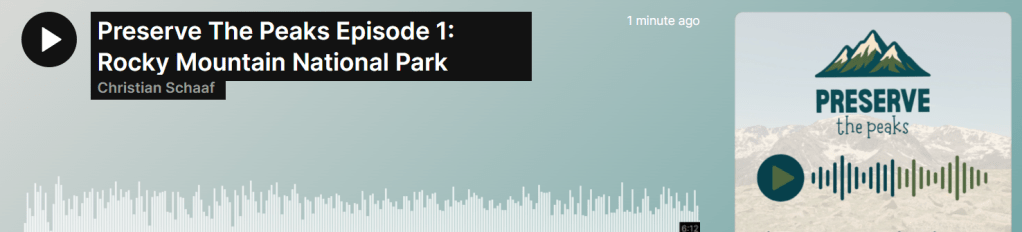
    Preserve the Peaks Episode 1: Rocky Mountain National Park

    After conducting research and planning my episode, it was finally time to bring Preserve the Peaks to life. Following Filippo Gaetaini’s advice, I started by creating a comfortable recording environment. I wanted to feel relaxed and focused, so I set up a small recording space using blankets to form a sound barrier around my desk. This helped reduce background noise and made my built-in HP Envy x360 microphone sound more professional. Once everything felt right, I hit record.

    The creative process began long before the final take. I revised my script multiple times, reading it out loud to make sure it sounded conversational and natural. I also recorded several practice takes to get comfortable with the pacing and tone. I found a balance between sticking to the script for structure and ad-libbing in certain parts, especially when I talked about my own visit to Rocky Mountain National Park. Mixing the two gave the episode more personality and warmth. And yes, I even wore my Rocky Mountain National Park t-shirt while recording to get in the zone, and it worked!

    When the narration was complete, I moved into sound design and editing. I used a mix of Adobe Audition and Premiere Pro to polish the audio, trim out moments of dead air, adjust volume levels, and rearrange clips where needed. I also experimented with layering different sound elements to make the story come alive. The episode opens with ambient audio of wind and birds to place the listener directly in nature, creating an immersive outdoor atmosphere. I added sound effects like a thunder clap, a drumroll, and an alarm clock buzzing at key moments to emphasize certain transitions and emotions.

    To shape the mood throughout the episode, I used two different background music tracks. For the opening and closing, I chose something cinematic and atmospheric, with a sense of hope and reflection. In the middle section, when I discuss the environmental challenges facing Rocky Mountain National Park, I transitioned to a darker, more intense track to match the tone of the message. This shift helped create contrast and tension, then resolved into optimism as I returned to the hopeful theme at the end, encouraging listeners to take action to protect our parks.

    Overall, recording and editing this podcast was such a rewarding experience. It combined everything I love into one project: storytelling, nature, and design. From setting the ambience and revising the script to layering music and sound effects, each step made me appreciate how powerful audio can be in creating emotion and connection.