Tag: pdf

  • Crossing the Finish Line: Tips for Reviewing Your Final Project

    Crossing the Finish Line: Tips for Reviewing Your Final Project

    You’ve put in the hours. You’ve done the research. You’ve designed the deliverables. Now, you’re approaching the finish line of your passion project. But before you hit submit, there’s one last step that can make the difference between “good enough” and “wow.” The review process.

    Whether you’re wrapping up a paper, a presentation, or (in my case) a digital guide for a campaign, taking the time to review your final project is what ensures all of your hard work shines. Let’s talk about some best practices for reviewing your project before submission and how I applied them to my Preserve the Peaks campaign.


    Why Reviewing Matters
    It’s tempting to rush at the end of a project. After all, you’re tired, excited, and looking forward to wrapping it up. However, Kingson S in The Documentation Review Process: A Practical Guide notes that reviewing your work is non-negotiable. It’s how you catch the little details that may trip up your audience and make sure your project feels polished.

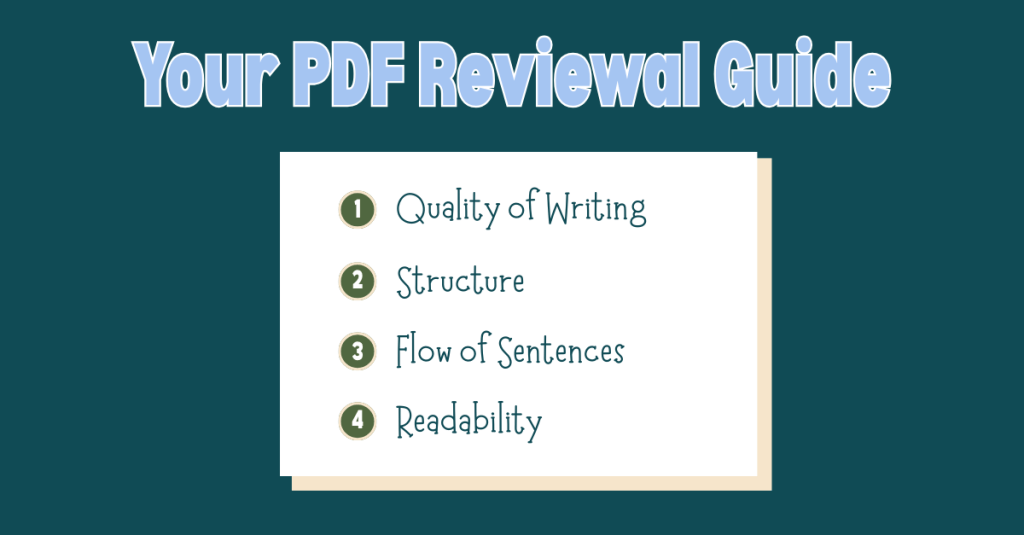
    Kingson points out a few areas to check:

    • Quality of the writing: Make sure grammar, spelling, and punctuation are clean.
    • Structure: Is the information organized logically? If you have a table of contents, double-check it matches the sections.
    • Flow of sentences: Do your ideas connect smoothly? Avoid abrupt stops or choppy transitions.
    • Readability: Is your document written at a level that your audience can easily follow? Tools like the Flesch Reading Ease score can help here.

    In short: clarity and consistency are everything.


    My Review Process
    This week, I wrapped up the final step of my passion project: creating a digital PDF guide for Rocky Mountain National Park as part of my Preserve the Peaks campaign. The guide supplements the first two phases of my project: infographics and interactive content created in Genially. It serves as a comprehensive resource on the park’s history, landmarks, climate challenges, and tips for being a responsible visitor.

    When I reviewed my PDF, I focused on:

    • Spelling and grammar checks: A small typo can make a big impact, so I read through each section carefully.
    • Consistency in design: Fonts, headings, and colors needed to feel cohesive, not distracting.
    • Clarity of content: Each paragraph had to feel approachable for a wide audience, written at about an eighth-grade reading level.

    It was worth the effort. The final product feels like something I’d be proud to share with both park visitors and fellow designers.

    If you’re curious about how to plan and structure a PDF project like this, check out my previous post on best practices for creating a digital PDF guide.

    To view my Rocky Mountain National Park PDF guide, click here.


    My Tips Before You Hit Submit

    Here are a few lessons I learned that might help you as you wrap up your own project:

    Slow Down and Review

    Don’t treat the review process like an afterthought. Build it into your timeline so you aren’t scrambling at the last minute.

    Get Another Set of Eyes

    Fresh perspectives matter. Ask a friend, family member, or colleague to look at your project. They’ll spot things you might miss after weeks of work.

    Check Against Your Goals

    Ask yourself: does this project achieve what I set out to do? In my case, the goal was to inform and inspire people to visit Rocky Mountain National Park responsibly. Reviewing with that goal in mind helped me cut out extra fluff and keep the focus clear.

    Look at Both Content and Design

    Good design enhances good content. Make sure your visuals support your message rather than overwhelm it.

    Celebrate Your Hard Work

    Finally, remember to enjoy this stage. When you’ve put in so much effort, reviewing isn’t just about catching errors; it’s about appreciating how far you’ve come.


    The Final Push

    Finishing a project is a lot like finishing a race. You’ve trained, you’ve paced yourself, and now the finish line is in sight. The review process is your sprint to the line. It’s the last bit of effort that ensures your work stands strong.

    When you do finally hit submit, it will be the best feeling knowing you gave your project the attention it deserved from start to finish. So slow down, take the time to review, and trust yourself. You’ve got this.

    Final Thought: Review, review, review. Your future self will thank you.
  • From Vision to Design: How to Create a PDF Your Audience Will Resonate With

    From Vision to Design: How to Create a PDF Your Audience Will Resonate With

    You’re deep into your passion project. The research is done, your ideas are flowing, and the deliverables are taking shape. For my project, Preserve the Peaks, a multimedia campaign about protecting Rocky Mountain National Park and encouraging responsible park visits, I’ve already created infographics, an interactive game, and a clickable poster in Genially.

    Now it’s time for my next challenge: building a digital PDF guide that’s both informative and fun to read. The goal? A go-to resource for anyone planning a trip to Rocky Mountain National Park, packed with relatable, easy-to-digest content that inspires visitors to both enjoy and preserve the park.

    If you’re ready to create a digital guide that truly connects with its audience, let’s talk best practices.


    Start With Planning (and Then Plan Some More)

    Here’s the first truth I learned: jumping straight into design without a plan is a one-way ticket to a messy, ineffective PDF.

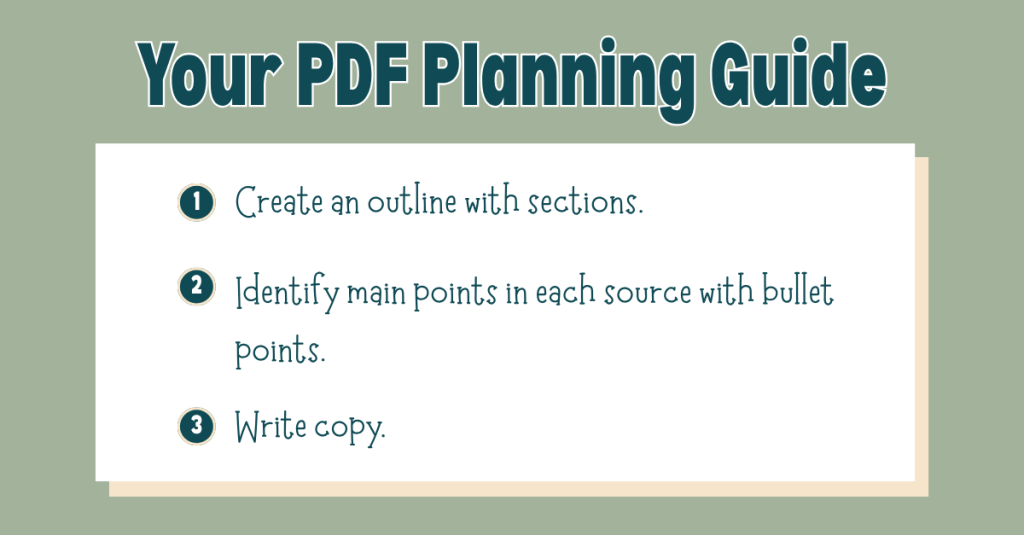
    Before I touched a single design element, I built a detailed outline of the sections I wanted to include. I based this outline on my research and my audience’s needs, and then I went through each source in my bibliography, pulling out 5–10 key facts, stats, or tips that could shape the guide’s copy.

    This prep work meant that when it came time to write, I wasn’t staring at a blank page; I already had a roadmap.

    My biggest takeaway: Give yourself more time for planning than you think you’ll need. That up-front investment will make the writing and design process smoother, faster, and far less stressful.

    Want to see my own outline and research notes? Click here to view them.


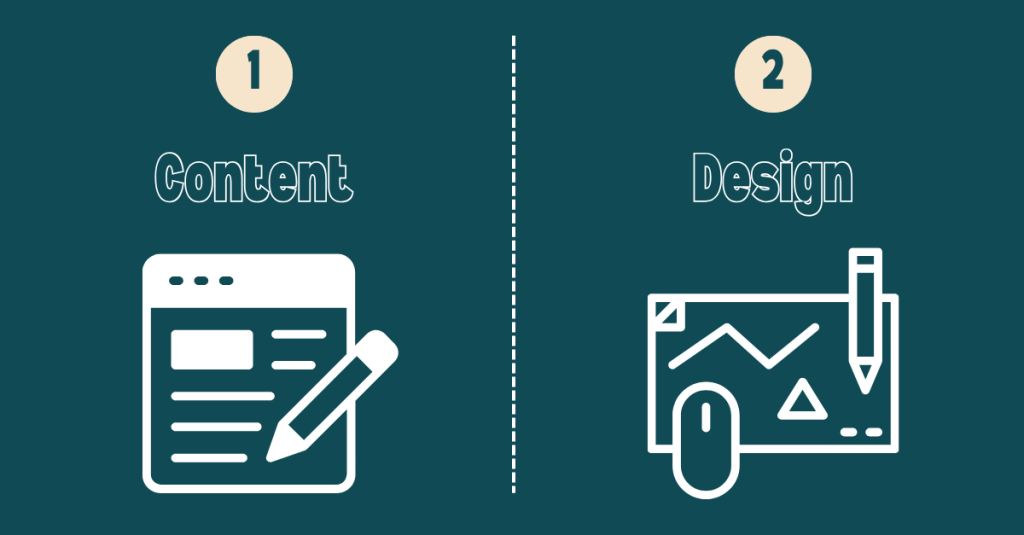
    Content First, Design Second

    When you’re making something visually appealing, it’s tempting to start with design. But for a PDF guide to be effective, content is the foundation. The design should exist to enhance that content, not overshadow it.

    In Best Practices for Accessible PDF Design, Albee highlights the importance of accessibility from the start. That means:

    • Logical reading order
    • Descriptive alt text for all images
    • Strong color contrast
    • Easy-to-read fonts

    These features aren’t extras; they make sure your content can be enjoyed by everyone. If you wait until the end to think about accessibility, you’ll risk having to redo major portions of your guide.


    Make It Findable, Followable, and Scannable

    In Findable, Followable, & Scannable: 3 Principles for Creating Clear Digital Guides, Jonathan DeVore breaks down how to create an effective PDF guide:

    • Findable: Use search-friendly keywords, clear file names, and logical organization so your guide can be easily located online or on a device.
    • Followable: Keep instructions clear and in the right order so your readers can easily follow along without getting lost.
    • Scannable: Use headings, bullet points, and concise language so readers can quickly grasp the key points, even if they’re just skimming.

    As I build my PDF guide, I will make sure each section is clearly labeled and packed with short paragraphs, bold subheadings, and sidebars for fun facts. That way, whether someone wants to read every word or just grab a quick tip, they’ll get value.


    Always Keep Your Audience in Mind

    This is the heartbeat of any good project: your audience is everything.

    Ask yourself:

    • What do they need to know?
    • How do they prefer to read and absorb information?
    • What tone will resonate with them?

    For Preserve the Peaks, my audience is a mix of first-time visitors and returning nature lovers who care about the environment. That means keeping the tone conversational, using accessible language, and sprinkling in excitement about the park’s beauty with practical tips for responsible travel.

    To view my progress on my digital PDF guide, click here.


    Final Thoughts: Planning Wins Every Time

    If you take away one thing from my experience, let it be this: plan first, design second.

    A well-planned guide flows naturally, communicates clearly, and invites readers to explore every section. Combine that planning with thoughtful accessibility and design choices, and you’ll have a PDF that’s not only visually appealing but also memorable and easy to use.

    Whether your goal is to inspire travel, teach a skill, or share important information, your guide has the power to connect deeply with your audience.

    So grab your notes, outline your ideas, and build something worth reading. Your audience is waiting.

    Happy creating!