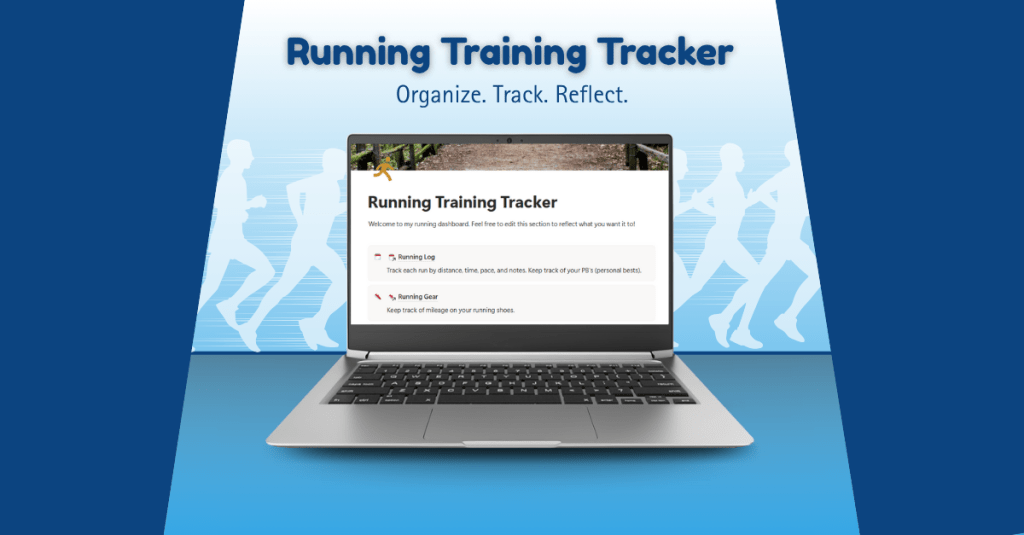
You’re done building your digital product. You’ve poured hours into design, testing, refining, and making it your own. But the job isn’t over yet. Now comes the next challenge: how do you share it with the world so it reaches your audience and makes an impact?
This week, I shifted from creator to marketer. My goal was to get my Running Training Tracker ready for launch by building my sales page, deciding on a pricing strategy, and crafting a marketing plan to promote it. Let’s dive into what went into this final stretch of the journey.
Building My Sales Page on Gumroad

After researching digital product sales platforms like Creative Market, Etsy, and Gumroad, I decided that Gumroad was the perfect home for my Running Training Tracker. Gumroad has a built-in marketplace with a “Fitness and Lifestyle” category and a “Running” subcategory, which is perfect for my target audience. It’s also simple to use and free to join, which made setup quick and easy.
After I chose Gumroad, I spent time studying successful sales pages to get inspiration for layout and content. I wanted my page to feel inviting, easy to read, and trustworthy. I analyzed other creators’ product pages and noticed that the most effective ones had clear visuals, short descriptions, and structured sections explaining what the product does and who it’s for. Click here to view one of my inspiration sales pages on Gumroad.
To prepare, I used Canva to design mockups and thumbnails that visually showcase the tracker’s features. I also drafted all copy in Microsoft Word first to make sure it flowed naturally before uploading it into Gumroad.
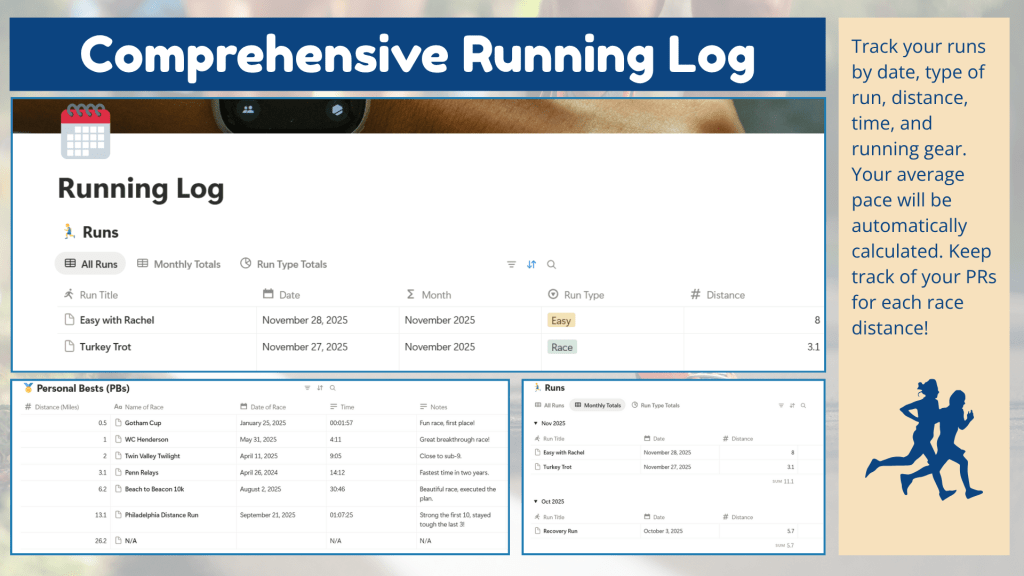
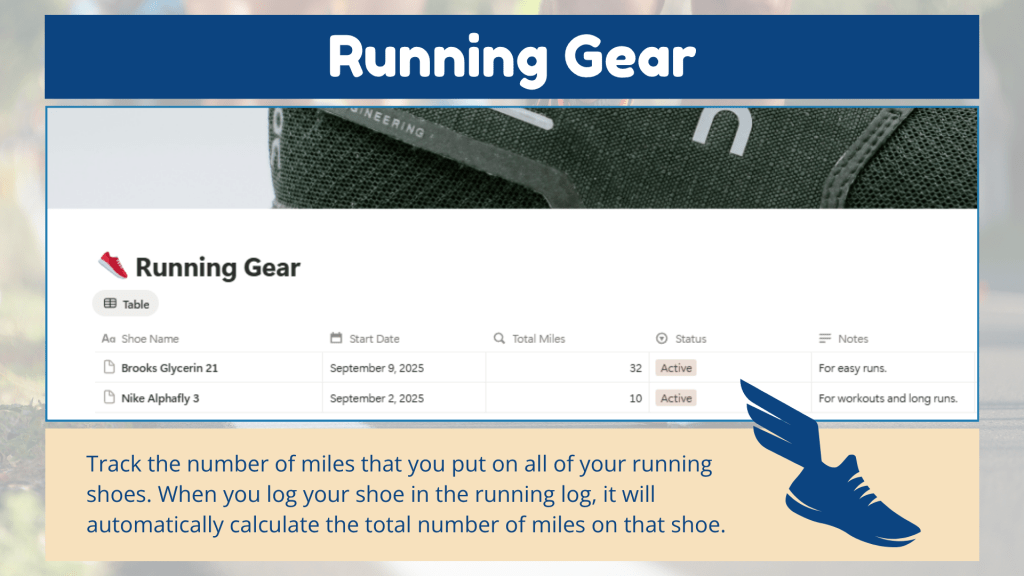
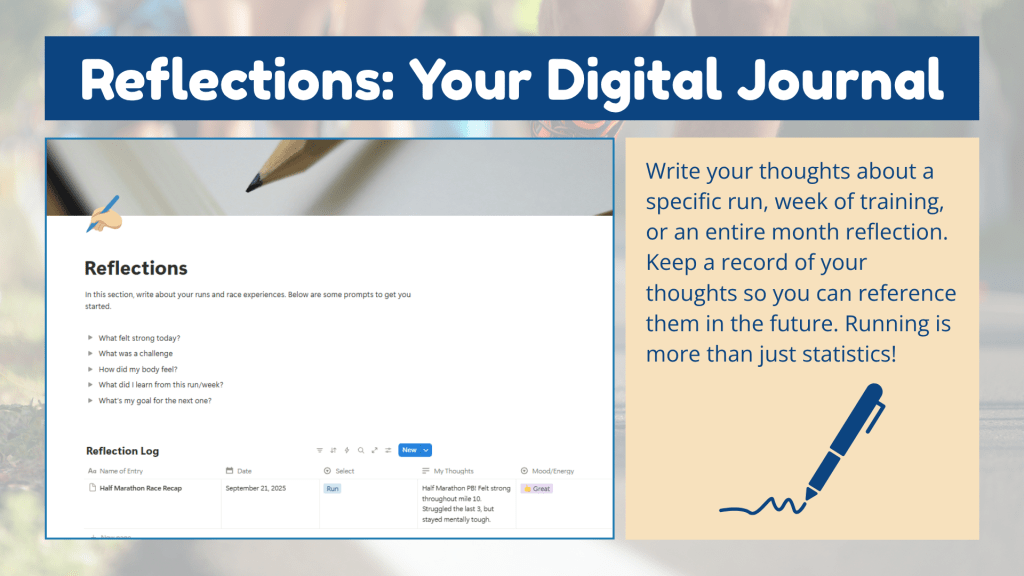
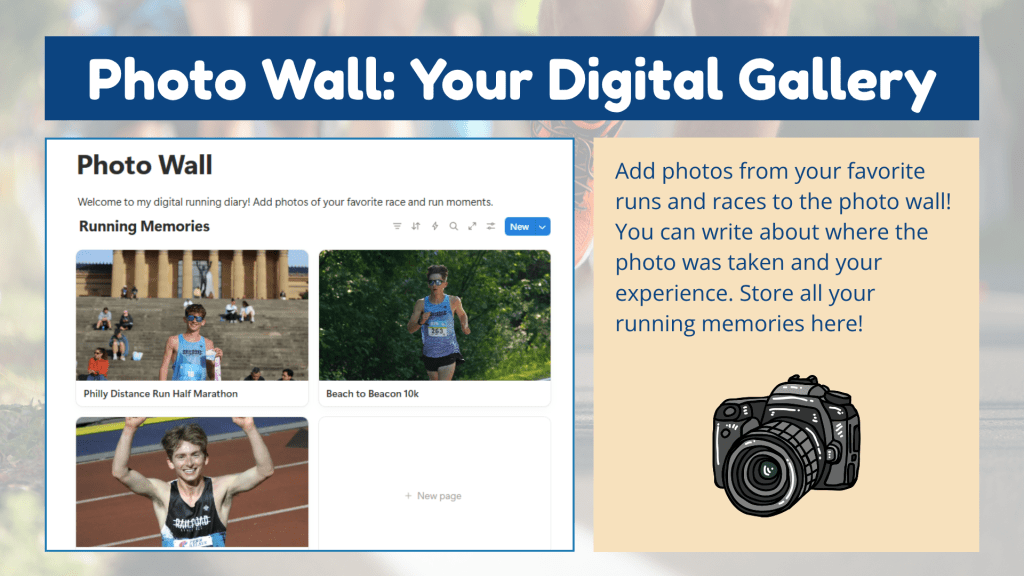
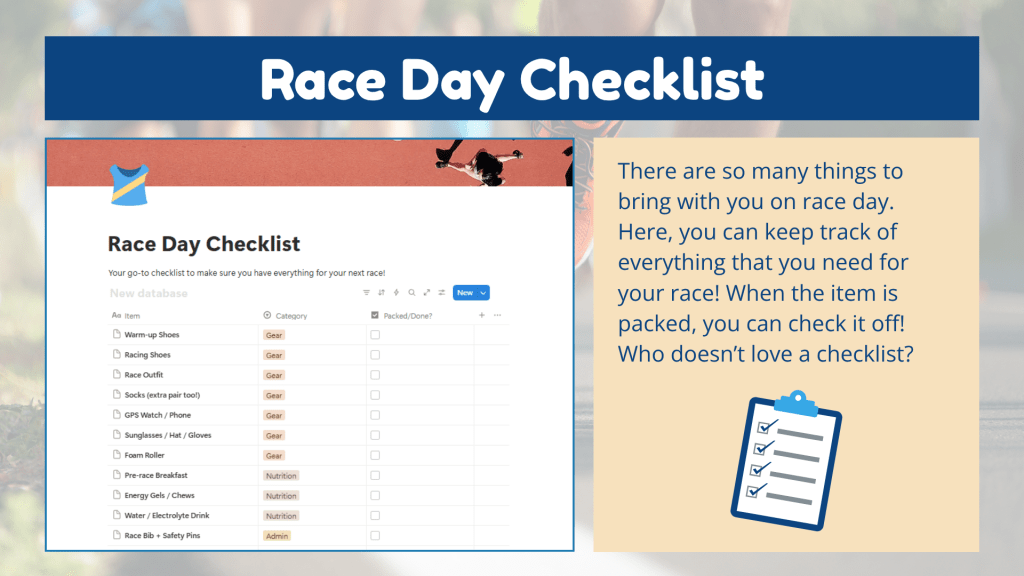
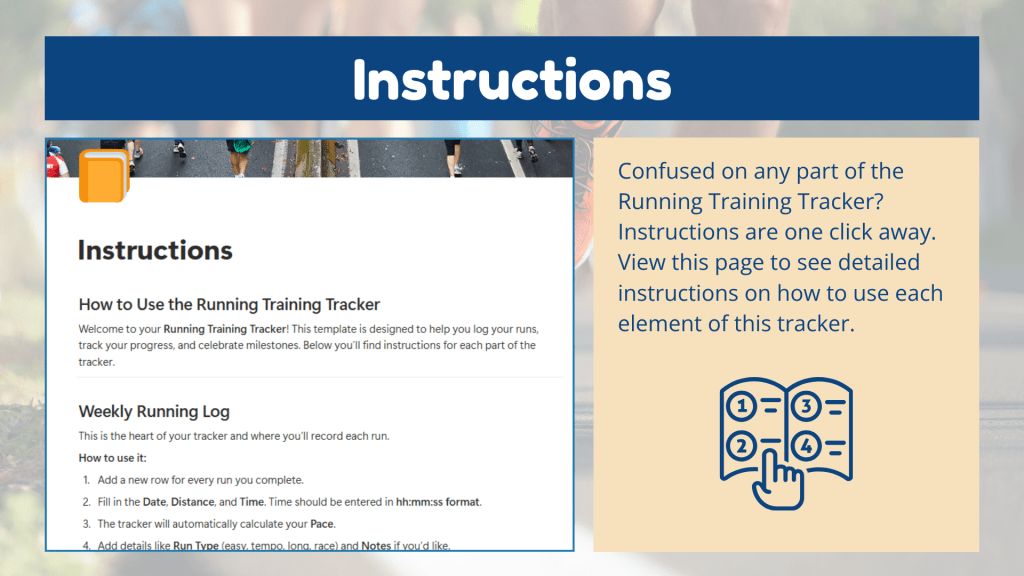
When it came time to build my sales page, I organized it into sections that guide the viewer through the product:
- About the Tracker: A quick summary describing it as a personal, customizable Notion dashboard for runners.
- Format & Layout: Explains how the tracker works, from the main dashboard to the linked pages for logging runs, adding photos, and tracking gear.
- How It Works: Step-by-step overview of how to duplicate and start using the template in Notion.
- FAQs: A section that answers common questions like “Do I need the paid version of Notion?” (You don’t!) and “Can I customize this template?” (Absolutely!)
You can view the full sales page and explore the tracker here: Running Training Tracker on Gumroad.
Pricing Strategy: Making It Accessible
Because this is my first digital product, I wanted to make it affordable and appealing while also reflecting its value. After reviewing prices of similar Notion templates on Gumroad, I decided to set my base price at $5.
Gumroad also allows creators to turn on a “pay-what-you-want” feature, so I enabled that option with $5 as the suggested price. This gives customers flexibility: they can pay the base price or a little more if they want to support my work.
This strategy felt right for my first launch. It keeps the tracker accessible for new users, encourages engagement, and lets me test the waters for future pricing decisions.
Promoting the Launch: My Marketing Strategy
When my sales page was finalized, I shifted focus to promotion. My goal was to spread awareness across multiple channels to reach as many runners as possible, especially those looking for a personal and customizable training log.
1. YouTube Video Walkthrough
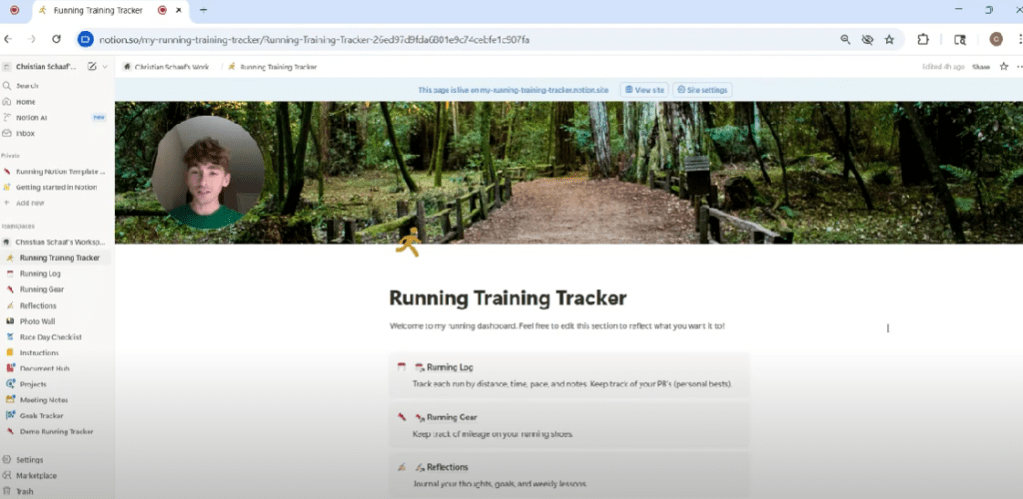
I created a video walkthrough using Loom, where I guide viewers through each feature of the tracker. In the video, I also talk about why this tracker stands out from apps like Strava: it’s private, personal, and built for runners who prefer flexibility and reflection.
You can watch the full walkthrough here: Running Training Tracker Overview.
2. Email Newsletter Launch
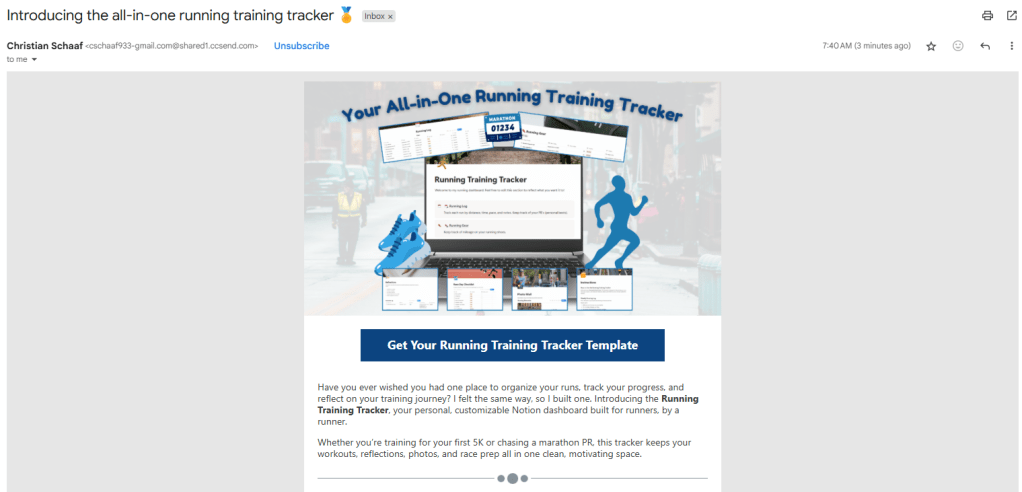
Next, I created an email newsletter in Constant Contact to announce the product launch. The subject line was tested through an email subject line analyzer for maximum engagement. I included a visual of the tracker at the top, a brief overview of its features, and multiple links to the Gumroad sales page to encourage clicks.
You can read the full email here: Product Launch Email Newsletter.
3. Social Media Posts (Facebook & Instagram)
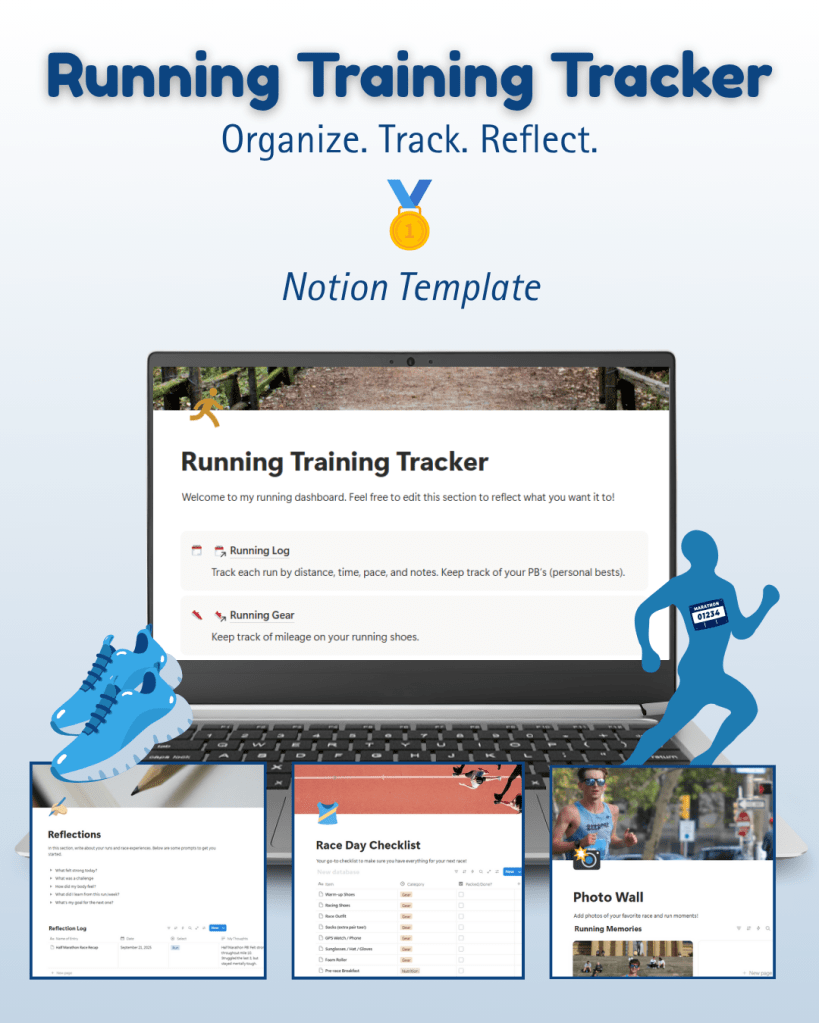

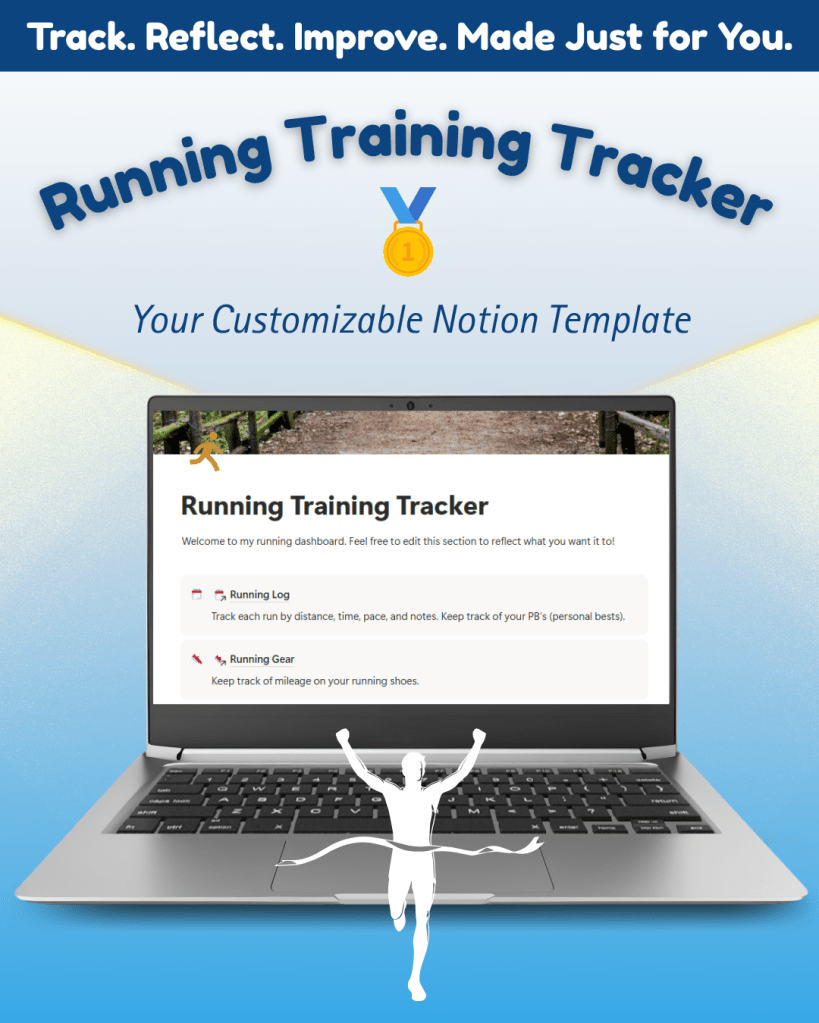
Finally, I designed and scheduled two Instagram and two Facebook posts featuring visuals from the tracker and captions that highlight its features. Each post includes a call to action directing users to the Gumroad page to purchase the tracker. View all my social media post graphics and captions here.
To see the full set of assets, check out my Sales Assets & Marketing Report.
Lessons Learned & Reflections
This week was all about pulling everything together: creating the sales page, designing promotional content, and preparing for launch. One major takeaway? Never skip the quality audit. Before making my sales page live, I double-checked for spelling errors and tested all links.
Building and launching a digital product has been an incredible learning experience. From market research and product design to branding and promotion, this process taught me how to take an idea from concept to completion. It’s been a rewarding six-week journey, and this final week felt like crossing the finish line.
The Running Training Tracker is officially live, and I’m so excited to share it with runners everywhere.
View it here and start your training journey today: Running Training Tracker on Gumroad.
 Christian Schaaf's Blog + Portfolio
Leave a comment