You and your team are mid-race, and the stakes are rising. You’ve hit your stride, picked up steam, and now it’s time to execute. Phase 3 of the Design Sprint, Prototype and Refine, is all about collaboration and showcasing your strengths.
At this stage, the ideas are there. Now, your job is to bring those ideas to life in a way that’s fast, intentional, and “good enough” for user testing. As Jake Knapp, John Zeratsky, and Braden Kowitz write in Sprint: How to Solve Big Problems and Test New Ideas in Just Five Days:
“You’ve got an idea for a great solution. Instead of taking weeks, months, or, heck, even years building that solution, you’re going to fake it…To prototype your solution, you’ll need a temporary change of philosophy: from perfect to just enough, from long-term quality to temporary simulation.”
Knapp, Zeratsky, and Kowitz
That quote stuck with me, especially as someone who tends to chase perfection. The prototype mindset is about learning quickly. The goal is not to create a flawless product; it’s to simulate one realistic enough to gather feedback. So, how do you do that in just one day?
Let’s break it down.
Understanding Phase 3 Goals
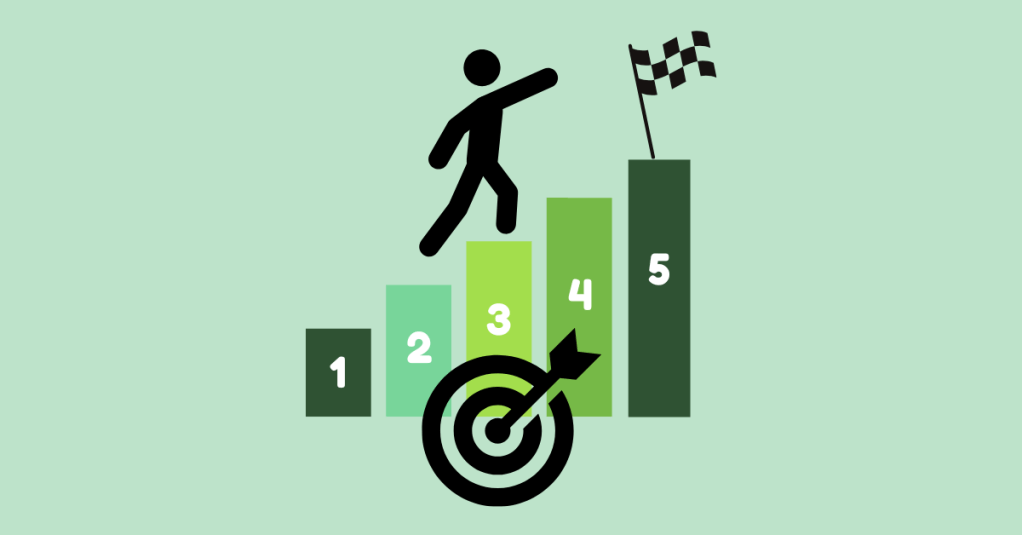
Pattie Belle Hastings outlines five key objectives in The Sprint Handbook: A Step-by-Step Guide to Planning and Running Innovation Sprints to guide the Prototype and Refine phase:
- Rapid Realization: Quickly turn ideas into something tangible.
- Focus on Critical Elements: Build only what matters most to test.
- Prepare for User Testing: Design the prototype to gather useful feedback.
- Resource Efficiency: Use the least amount of time and tools to get the job done.
- Collaboration: Lean on each team member’s strengths to bring the product to life.
“The prototype phase is the crucible where your ideas are forged into tangible forms, ready for real-world testing…It’s a creative endeavor that requires a blend of ingenuity, skill, and strategic thinking.”
Pattie Belle Hastings
This phase is where your team can shine. Focus on what matters most and continue the Sprint.
Step 1: Pick the Tools
Start by selecting your design tools. Depending on your team’s skills and project goals, you might choose:
- Wireframes: Low-fidelity designs that outline structure
- Mockups: High-fidelity visuals that simulate a real interface
- Clickable Prototypes: Interactive designs that mimic real use
- Functional Prototypes: Working products with built-in features
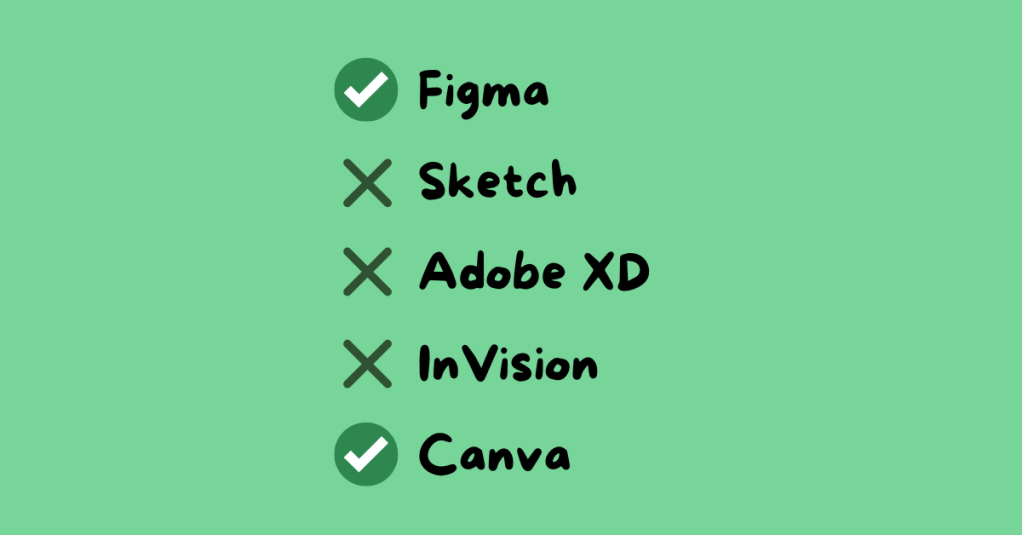
Common tools include Figma, Sketch, Adobe XD, InVision, and Canva. For my team’s Gen Z personal finance app, we used Canva for wireframes and Figma for clickable prototypes. These tools matched our team’s skills and needs.
Step 2: Divide and Conquer
Time is limited, so efficiency is key. Assign roles based on experience and interest. Encourage each person to advocate for the role that best suits them.
For our group, roles included:
- Wireframe Creators: Sketched the app’s layout
- Writer: Created on-screen text and instructions
- Asset Collector: Gathered app content and visuals
- Makers: Built the prototype in Figma
- Illustrator: Designed custom icons and the app logo
- Stitcher: Reviewed the prototype for consistency and flow
I was assigned three roles: wireframing, illustrator, and stitcher. With a design background, I created the app’s logo and visual identity, and I reviewed all aspects of the prototype, including content, spelling, interactivity, and visuals, to ensure the finalized product was polished and ready to go.
Step 3: Build the Prototype
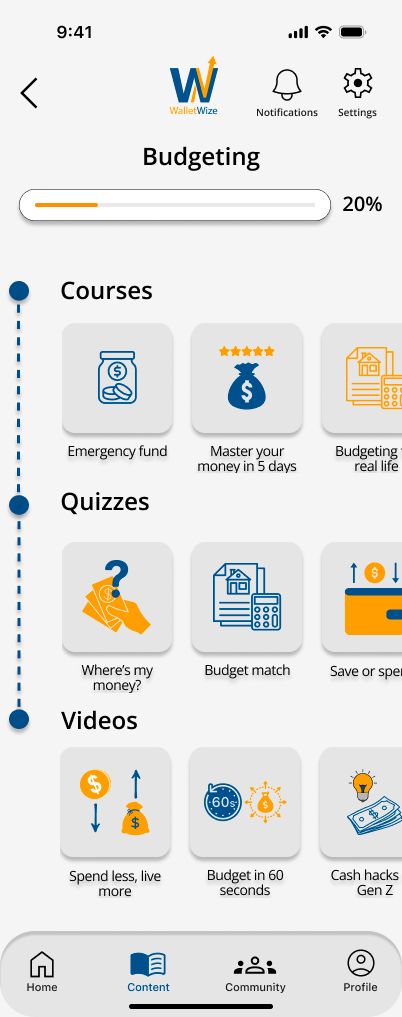
This is the heart of the phase. Using the storyboard from Phase 2, your team starts constructing the prototype. Make sure all team members are designing at the same fidelity level, review the prototype for consistency in design and functionality, ensure interactive elements align with the user flow, revisit Sprint objectives to stay focused, and prepare for user testing. The goal here is clarity, not perfection.
Knapp, Zeratsky, and Kowitz assert that the prototype should look real enough that users believe it’s a functional product. This step will help the team learn about the areas of the product that work well and elements that require editing.
Step 4: Conduct a Trial Run
Before handing your prototype over to testers, test it internally. This gives your team the chance to identify confusing steps or design issues early. It is important to schedule a time for the entire team to conduct a trial run. Assign a group member to play the role of the user, gather feedback, and revise as needed.
“Trial runs help your team fine-tune the prototype, identify potential issues, and ensure a smooth and effective testing session.”
Pattie Belle Hastings
Ask yourself: Does the product feel intuitive? Does the prototype reflect our Sprint goals? This step builds confidence and alignment before entering the final testing phase.
Team Reflection: What Worked for Us
This week, our team focused on communication, task alignment, and preparation. We clearly outlined roles, set deadlines, and checked in frequently. Having designated roles based on individual strengths helped us stay accountable and confident in our contributions.
We also met virtually several times throughout the week, checked in with each other in our text group chat frequently, communicated early and often, and celebrated small wins along the way.
One of the biggest lessons I learned this week? Don’t wait to speak up. If something is unclear, ask. If something’s off, say something. Holding yourself accountable while staying open to feedback makes a big difference in the pace and quality of your work.
View my team’s wireframes and prototypes here.
Final Thoughts: Eyes on the Finish Line
This phase of the Sprint felt like the middle miles of a race. You’ve already started strong, and now you need to stay focused and finish strong. The prototype phase requires energy, attention to detail, and trust in your team.
When it’s done right, it’s incredibly rewarding. You’re not just imagining your solution; you’re seeing it come to life.
At this point, your product is ready to be tested. Keep your head up, keep your pace steady, and get ready for the next phase: testing with real users.
The finish line is near.
 Christian Schaaf's Blog + Portfolio
Leave a comment